1
D-Link DES-6500 Layer 3 Stackable Gigabit Ethernet Switch
down a loop when a storm is formed because a MAC address cannot be located in the
Switch’s forwarding database and it must send a packet to all ports or all ports on a VLAN.
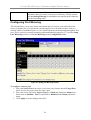
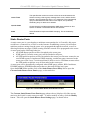
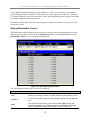
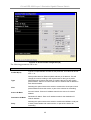
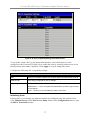
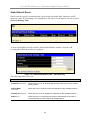
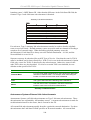
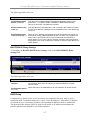
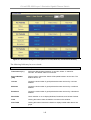
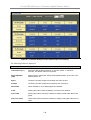
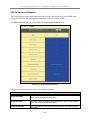
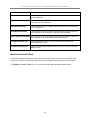
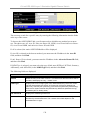
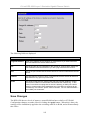
To configure Traffic Control, select the Unit (Unit ID of a switch in a switch) you want to
configure. Broadcast Storm, Multicast Storm and Destination Unknown may be Enabled
or Disabled. The Threshold value is the upper threshold at which the specified traffic control
is switched on. This is the number of Broadcast, Multicast or DLF packets, in Kbps, received
by the switch that will trigger the storm traffic control measures. The Threshold value can be
set from 0 to 255 packets. The Default setting is 128.
Configuring Port Security
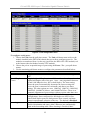
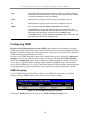
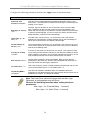
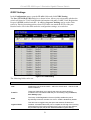
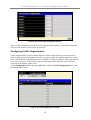
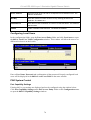
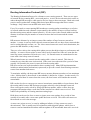
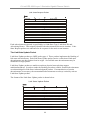
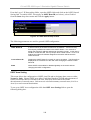
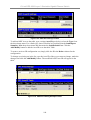
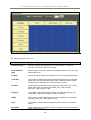
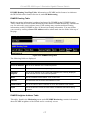
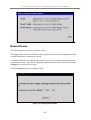
A given port’s (or a range of ports’) dynamic MAC address learning can be locked such that
the current source MAC addresses entered into the MAC address forwarding table can not be
changed once the port lock is enabled. The port can be locked by using the Learn <Disabled>
pull-down menu to Enabled, and clicking Apply.
This is a security feature that prevents unauthorized computers (with source MAC addresses
unknown to the switch prior to locking the port (or ports) from connecting to the switch’s
locked ports and gaining access to the network.
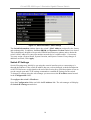
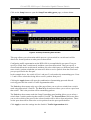
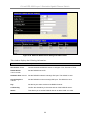
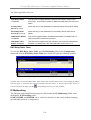
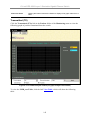
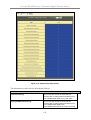
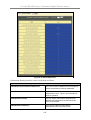
Figure 4- 23. Port Security Settings window
53