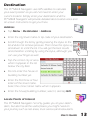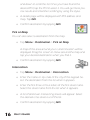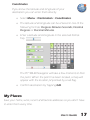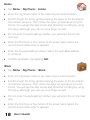
1
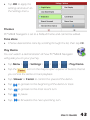
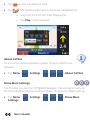
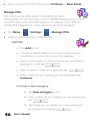
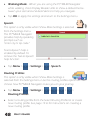
• Select whether to show POIs that are On Route or Near Route. Manage POIs This option is only visible when Show More Settings is selected from the Settings menu. The PC*MILER Navigator lets you add new POIs and create new POI categories. To add your own POIs to existing POI categories or create your own personal categories: • Tap Menu > > Settings > > Manage POIs. • Choose either Edit POIs or Edit POI Sets. Edit POIs o Tap Add button. o Choose to add an address, intersection, map location, coordinates, or return trip to your POI database. o Select a POI category in which to place you new POI by tapping on it and tap o Select a Type or create New Type and tap o Enter a name for the category you are saving and tap Continue. To Create a New Category: Tap New Category button. Enter a name for the category you are saving and tap Tap image you would like your new category to be displayed as and tap 46 User’s Guide