1
Outport
Numeric and
Data Type
Support
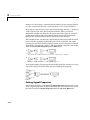
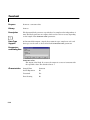
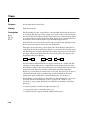
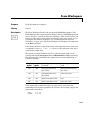
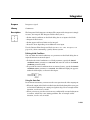
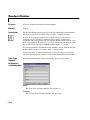
An Outport block accepts complex or real signals of any MATLAB data type as
input. The numeric and data type of the block’s output is the same as that of
its input. The elements of a signal vector connected to an Outport block can be
of differing numeric and data types except in the following circumstance. If the
outport is in a conditionally executed subsystem and the initial output is not
specified, all elements of an input vector must be of the same numeric and data
type.
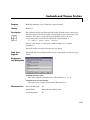
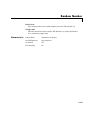
Simulink’s data type conversion rules apply to an outport’s Initial output
parameter. If the initial value is in the range of the block’s output data type,
Simulink converts the initial value to the output data type. If the conversion
entails a loss of precision, Simulink issues a warning message. If the specified
initial output is out of range of the output data type, Simulink halts the
simulation and signals an error. Note that the block’s output data type is the
data type of the signal connected to its input.
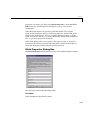
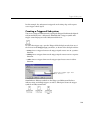
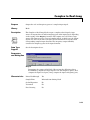
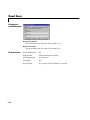
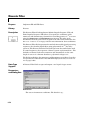
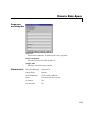
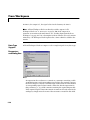
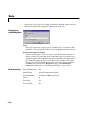
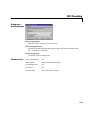
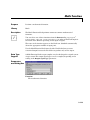
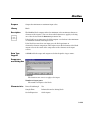
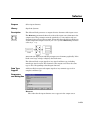
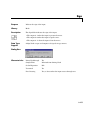
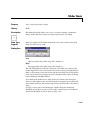
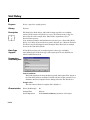
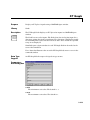
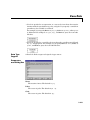
Parameters
and Dialog Box
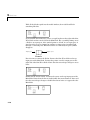
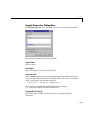
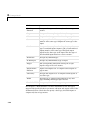
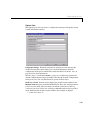
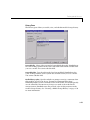
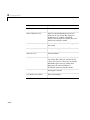
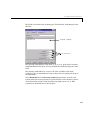
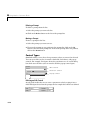
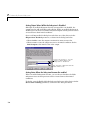
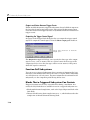
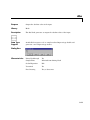
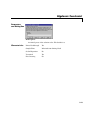
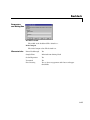
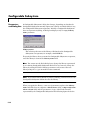
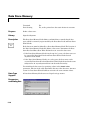
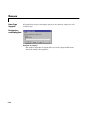
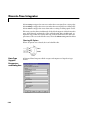
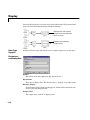
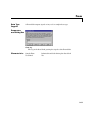
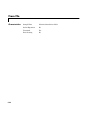
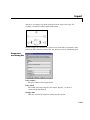
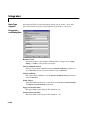
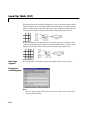
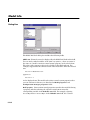
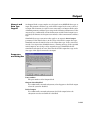
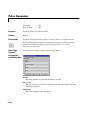
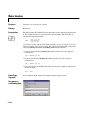
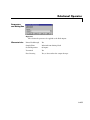
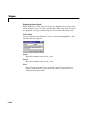
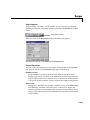
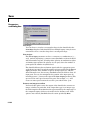
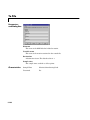
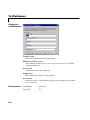
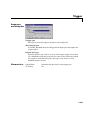
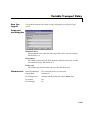
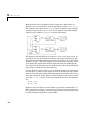
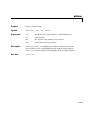
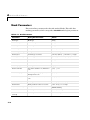
Port number
The port number of the Outport block.
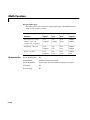
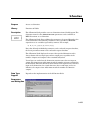
Output when disabled
For conditionally executed subsystems, what happens to the block output
when the system is disabled.
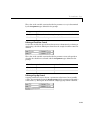
Initial output
For conditionally executed subsystems, the block output before the
subsystem executes and while it is disabled.
8-141