1
Symbols
(continued)
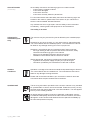
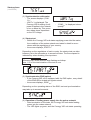
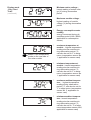
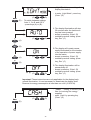
(3)
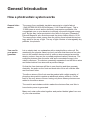
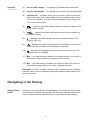
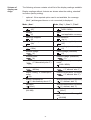
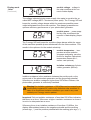
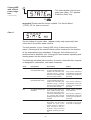
area for data display ... for displaying the data value measured
(4)
area for unit display ... for displaying the measuring unit applicable
(5)
segment bar ... indicates at any time the power output fed into the
mains at a given time - independent from the display mode chosen.
The screen displays % of the maximum possible power supply out
put of your solar inverter
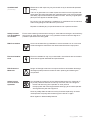
(6)
... appears with data readings which are directly related to the
public mains network
(7)
... appears with data readings which are directly related to
the solar modules
(8)
... appears with data readings which are related directly to the
Conergy WR unit
(9)
... appears with data readings which are related to environment
conditions, like insolation and temperature (optional)
(10)
...appears with data readings which are transmitted by the consumption sensor (optional)
(11) Max ... the data reading indicates the maximum within the period of
observation (depending on the display mode chosen)
(12) Min ... the data reading indicates the minimum within the period of
observation (depending on the mode of display chosen)
Important! The Min. and Max. values do not correspond to the absolute
extreme values, as the measuring data value capture takes place at two
second intervals
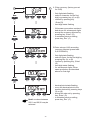
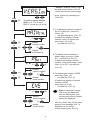
Navigating in the Display
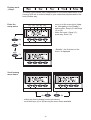
Display illumination
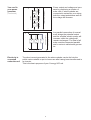
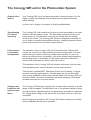
Press any key to activate the display lighting. If no key is pressed during
30 seconds, the display lighting stops. At the same time the setup menu
offers a choice between permanently lit or permanently dark display.
18