1
4 AT Commands, S-Registers, and Result Codes
Command:
Values:
Description:
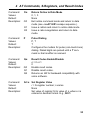
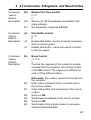
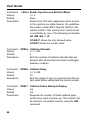
&V
Display Current Settings
n/a
Displays the active modem settings, including the
callback security settings if callback security is
enabled. If the setup password has been entered, it
also displays the callback security passwords.
Command:
Values:
Default:
Description:
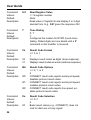
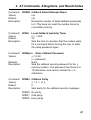
&Wn
Store Current Configuration
n=0
None
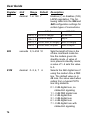
Stores current modem settings in nonvolatile
memory and causes them to be loaded at poweron or following the ATZ command instead of the
factory defaults. See also the &F command.
Clears user default settings from nonvolatile
memory and causes the factory defaults to be
loaded at power-on or following the ATZ command.
&W0
&W1
Command:
Values:
Default:
Description:
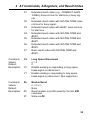
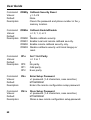
&Yn
&Y0
&Y1
Select Stored Configuration for Hard Reset
n=0
0
Select stored configuration 0 on power-up. (For
backward compatibility with some software.)
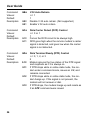
Not supported—responds ERROR.
59