1
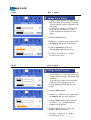
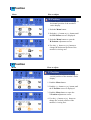
H-Position
Menu
How to adjust
H-Position
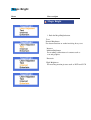
- Follow these instructions to change the
horizontal position of the monitor's
entire display.
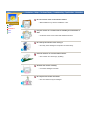
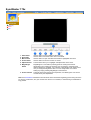
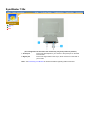
1. Push the Menu button.
2. Push the [ - ] button or [ + ] button until
the H-Position screen is displayed.
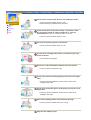
3. Push the Menu button to open the
H-Position adjustment screen.
4. Use the [ - ] button or [ + ] button to
change the horizontal position of the
monitor's viewing area.
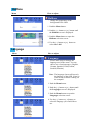
V-Position
Menu
How to adjust
V-Position
- Follow these instructions to change the
vertical position of the monitor's entire
display.
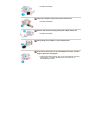
1. Push the Menu button.
2. Push the [ - ] button or [ + ] button until
the V-Position screen is displayed.
3. Push the Menu button to open the
V-Position adjustment screen.
4. Use the [ - ] button or [ + ] button to
change the vertical position of the
monitor's viewing area.