1
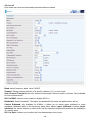
Advanced
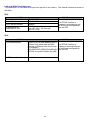
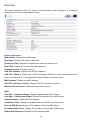
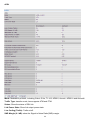
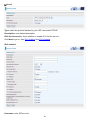
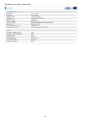
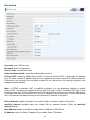
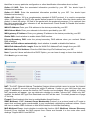
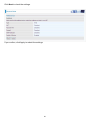
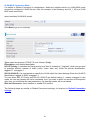
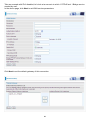
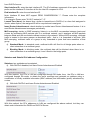
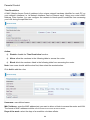
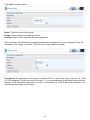
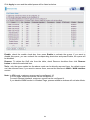
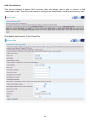
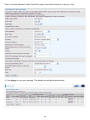
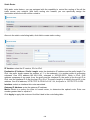
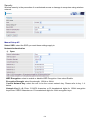
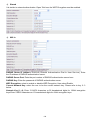
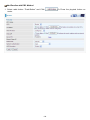
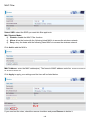
Here users can set some advanced parameters about wireless.
Band: select frequency band. Here 2.4GHZ.
Channel: Allows channel selection of a specific channel (1-7) or Auto mode.
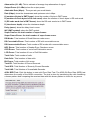
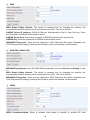
Auto Channel Timer(min): the auto channel times length it takes to scan in minutes. Only available
for auto channel mode.
802.11n/EWC: select to auto enable or disable 802.11n.
Bandwidth: Select bandwidth. The higher the bandwidth the better the performance will be.
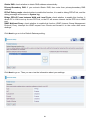
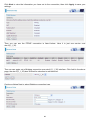
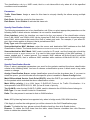
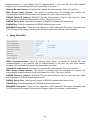
Control Sideband: only available for 40MHz. It allows you to select upper sideband or lower
sideband. Sideband refers to the frequency band either above (upper sideband) or below (lower
sideband) the carrier frequency, within which fall the spectral components produced by modulation
of a carrier wave.
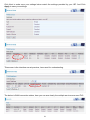
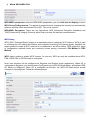
802.11n Rate: It allows you to select the fixed transmission rate or auto.
148