1
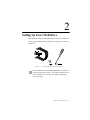
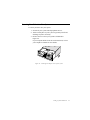
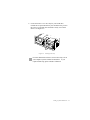
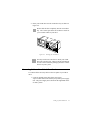
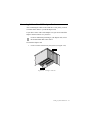
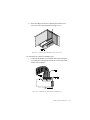
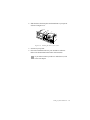
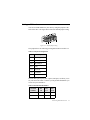
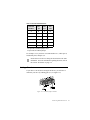
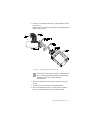
4. Secure the adapter card to the expansion slot with the screw
you removed from the metal plate (see Figure 2-13).
Figure 2-13: Fastening the SCSI adapter card to your system.
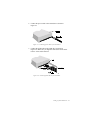
To connect the drive to the SCSI adapter card:
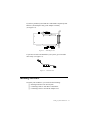
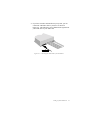
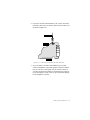
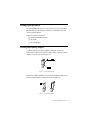
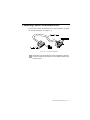
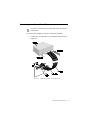
1. Connect the SCSI cable to your adapter card as shown in Figure
2-14. Make sure you align the colored wire on the cable to Pin
1 of the SCSI connector.
Figure 2-14: Connecting the SCSI cable to the adapter card.
Setting Up Your CD-R Drive 2-10