1
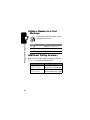
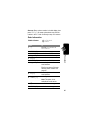
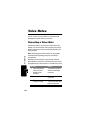
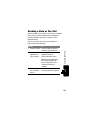
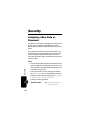
Calling a Number In a Text
Message
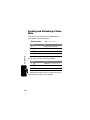
Making and Answering Calls
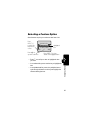
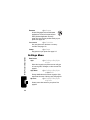
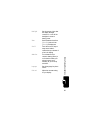
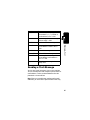
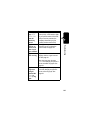
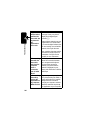
To call a phone number embedded in a text
message that you receive:
Press
1 M
2
S
3 SELECT (+)
call the number
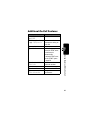
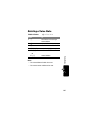
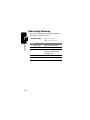
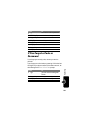
Additional Calling Features
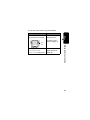
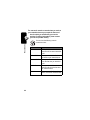
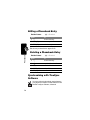
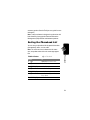
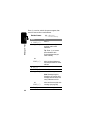
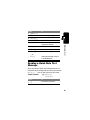
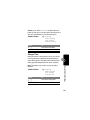
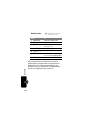
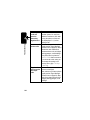
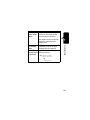
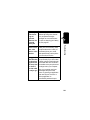
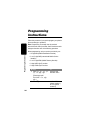
While dialing (with digits visible in the display), open the
Dialing Menu to perform the following tasks:
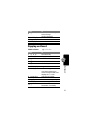
Press
M
> Attach Number
M
> Send Message
32
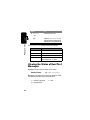
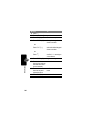
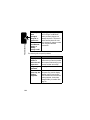
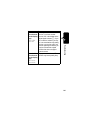
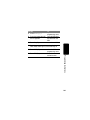
To
open the Text Msg Menu
scroll to Call Back
To
attach a number from the
phonebook or recent call lists
open a new text message
with the number in the To field