1
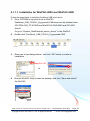
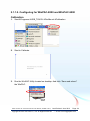
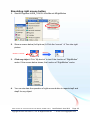
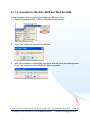
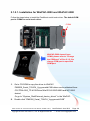
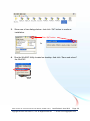
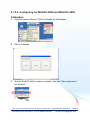
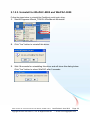
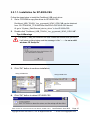
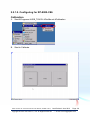
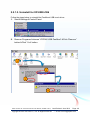
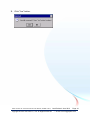
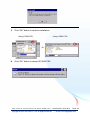
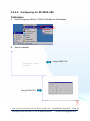
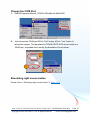
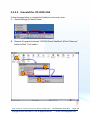
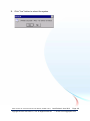
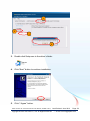
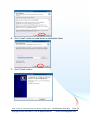
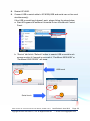
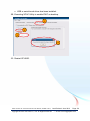
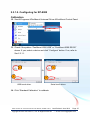
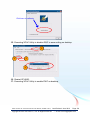
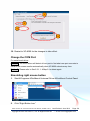
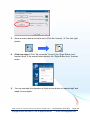
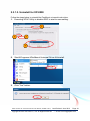
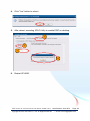
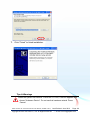
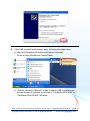
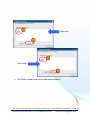
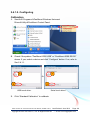
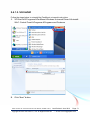
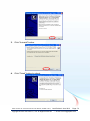
Change the COM port 1. StartProgramsSerial_TOUCHPenMountSetCOM 2. Choose the COM port and click “Set” button. 3. Run the WinPAC Utility located on desktop. And click “Save and reboot” the WinPAC. 4. Move the com port cable to the specified com port. Simulating right mouse button Please refer to “Simulating right mouse button” in Sec.2.1.1.2 TPM-4100/TP-4100 Touch Panel Monitor User Manual, version 1.0.0, Last Revised: June 2012 Page: 32 Copyright © 2012 ICP DAS Co., Ltd. All Rights Reserved. E-mail: [email protected]