1
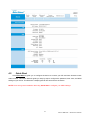
4.6.4 System Restart
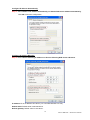
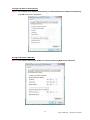
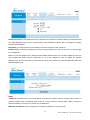
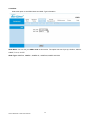
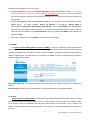
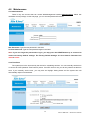
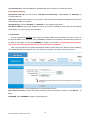
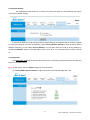
The SysRestart screen allows you to restart your router with either its current settings still in place
or the factory default settings.
If you wish to restart the router using the factory default settings (for example, after a firmware upgrade
or if you have saved an incorrect configuration), select Factory Default Settings to reset to factory default
settings. Otherwise, you can select Current Settings. You may also reset your router to factory settings by
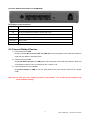
holding the DEFAULT button on the back panel of your router in for 10-12 second while the router is turned
on.
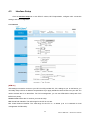
4.6.5 Diagnostic
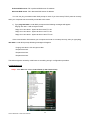
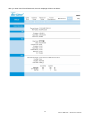
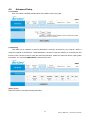
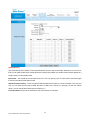
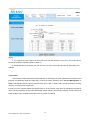
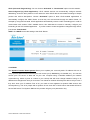
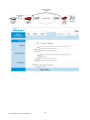
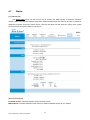
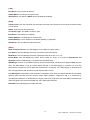
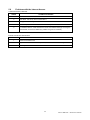
The Diagnostic Test page shows the test results for the connectivity of the physical layer and protocol
layer for LAN & WAN sides.
Note: 1) User ONLY can view PVC0’s Diagnostic Test connection.
2) “Testing ADSL Synchronization” might take 30 sec to execute the Diagnostic Test.
51
AirLive ARM-201E / 204E User’s Manual