1
1100pe6.book
Page 15
Tuesday, January 4, 2000
1:46 PM
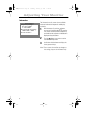
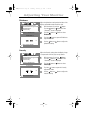
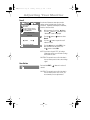
Color
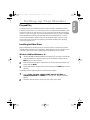
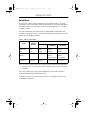
Color temperature is a measure of the “warmth” of
the image colors. The available range is between
5000 to 9300K. Follow these steps to change the
color temperature and adjust individual R, G, B
color control.
RGB
Color
Color1
Color2
Color3
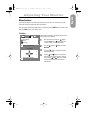
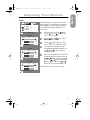
: Access Function
1
With the menu off, push the
button.
Push the button or button until the
“Color” screen is displayed.
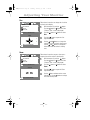
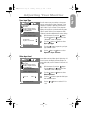
2
Use the button or button to select
Color 1, Color 2, or Color 3.
3
Push the
button to open the “Color 1”,
“Color 2”, or “Color 3” adjustment screen.
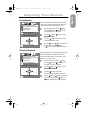
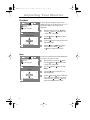
4
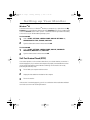
The current color temperature is shown
highlighted between 9300 and 5000K. Use
the button or button to adjust the
color temperature.
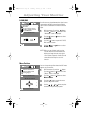
5
Adjust the color temperature as close to the
desired temperature as possible using only
the and buttons. To fine tune the color
hue, use the
or button to select R(ed),
G(reen), or B(lue), then use the and
buttons until you reach the desired color.
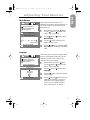
Color1
9300 9300K 5000
R
G
B
: Previous
50
50
50
Menu
Color2
9300 6500K 5000
R
G
B
: Previous
50
50
50
Menu
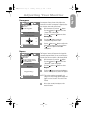
Color3
9300 5000K 5000
R
G
B
: Previous
50
50
50
Note: Recall does not reset the color settings.
Menu
15
English
Adjusting Your Monitor