1
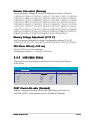
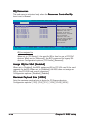
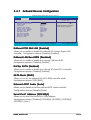
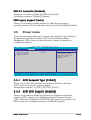
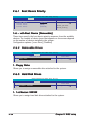
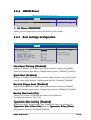
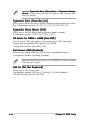
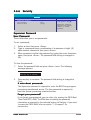
USB 2.0 Controller [Enabled]
Allows you to enable or disable the USB 2.0 controller.
Configuration options: [Disabled] [Enabled]
USB Legacy Support [Auto]
Allows you to enable or disable support for USB devices on legacy
operating systems (OS). Configuration options: [Auto] [Disabled] [Enabled]
2.5
Power menu
The Power menu items allow you to change the settings for the Advanced
Configuration and Power Interface (ACPI) and the Advanced Power
Management (APM). Select an item then press <Enter> to display the
configuration options.
Main
Advanced
Phoenix-Award BIOS CMOS Setup Utility
Power
Boot
Exit
ACPI Suspend Type
ACPI APIC support
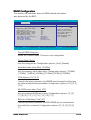
APM Configuration
Hardware Monitor
F1:Help
ESC: Exit
2.5.1
↑↓ : Select Item
→←: Select Menu
[S1&S3]
[Enabled]
Select Menu
Item Specific Help
Select the ACPI state
used for System
Suspend.
-/+: Change Value
Enter: Select Sub-menu
F5: Setup Defaults
F10: Save and Exit
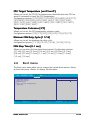
ACPI Suspend Type [S1&S3]
Allows you to select the Advanced Configuration and Power Interface
(ACPI) state to be used for system suspend.
Configuration options: [S1 (POS)] [S3(STR)] [S1&S3]
2.5.2
ACPI APIC Support [Enabled]
Allows you to enable or disable the Advanced Configuration and Power
Interface (ACPI) support in the Application-Specific Integrated Circuit
(ASIC). When set to Enabled, the ACPI APIC table pointer is included in the
RSDT pointer list. Configuration options: [Disabled] [Enabled]
ASUS A8V-E SE
2-29