1
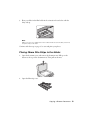
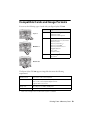
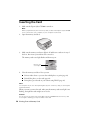
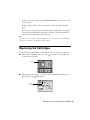
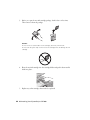
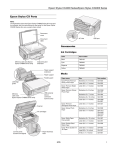
3. Place your slides in the film holder in the orientation shown below with the
shiny side up.
Note:
Make sure there is no gap between the holder and the document table; otherwise
the prints may not be clear.
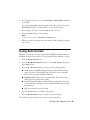
Continue with the steps on page 15 to scan and print your photos.
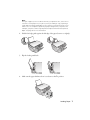
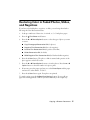
Placing 35mm Film Strips in the Holder
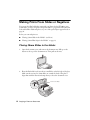
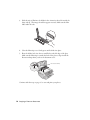
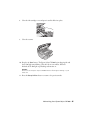
1. Open the document cover and remove the document mat. Pull up on the
fastener at the top of the document mat. Then pull out the mat.
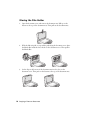
2. Open the film strip cover.
Copying a Photo or Document 13