1
Exercise 4: Particles and Simulation Behaviors
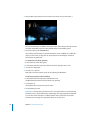
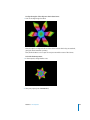
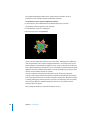
This exercise demonstrates the effects of adding Simulation behaviors to particle
systems. Simulation behaviors are a fast way of generating complex simulations
without having to keyframe objects. This project uses the result project from Exercise 3.
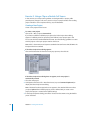
Opening the Exercise Project
A starting project has been created to get you right to the subject of this exercise, or
you can use the project you created in Exercise 3.
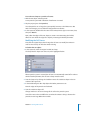
To open the exercise project:
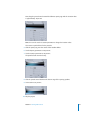
1 Once Motion is open, choose File > Open (or press Command+O).
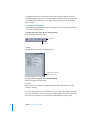
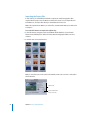
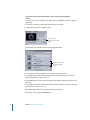
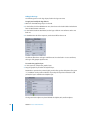
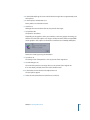
2 In the Open dialog, navigate to the Tutorial Projects folder (default is /Users/Shared/
Motion/Tutorial Media/Tutorial Projects).
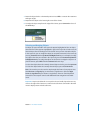
3 Select Tutorial 4 Exercise 4 Start, then click Open.
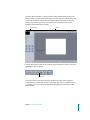
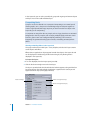
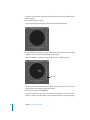
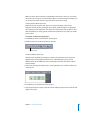
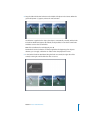
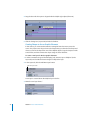
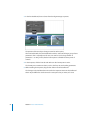
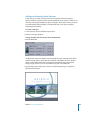
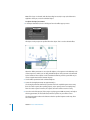
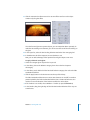
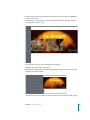
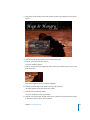
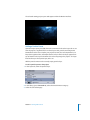
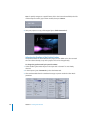
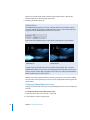
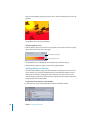
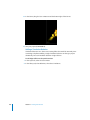
The selected result project opens and appears within the Motion interface.
To open the project created in Exercise 3:
1 Once Motion is open, choose File > Open (or press Command+O).
2 In the Open dialog, navigate to the location where you saved the project you created in
Exercise 3.
3 Select the name of the project you created, then click Open.
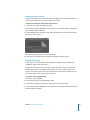
The selected project opens and appears within the Motion interface.
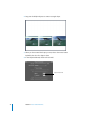
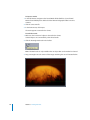
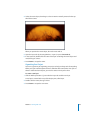
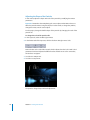
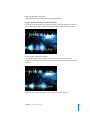
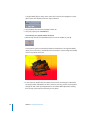
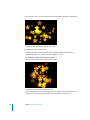
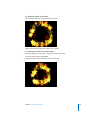
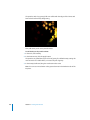
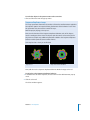
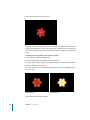
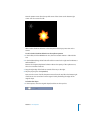
Play the project (press the Space bar) as you are working to see changes to the particle
system as you make them.
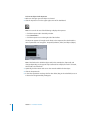
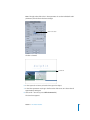
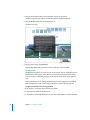
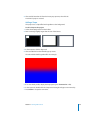
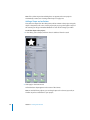
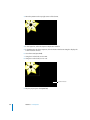
To modify the particle system:
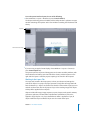
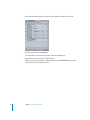
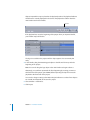
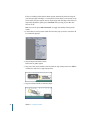
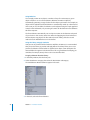
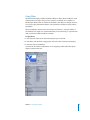
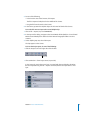
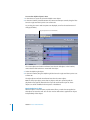
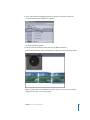
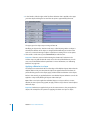
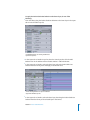
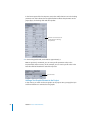
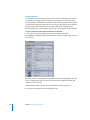
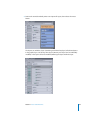
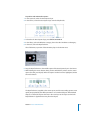
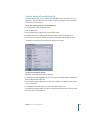
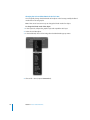
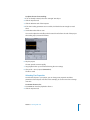
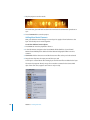
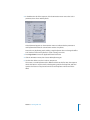
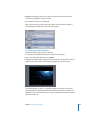
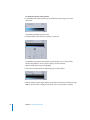
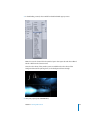
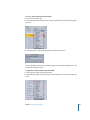
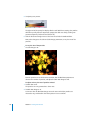
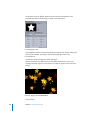
1 In the Layers tab, select Stars.
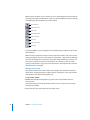
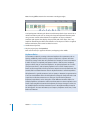
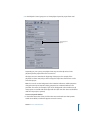
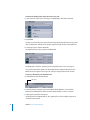
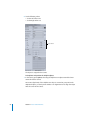
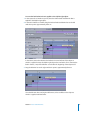
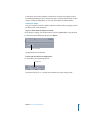
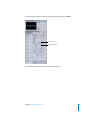
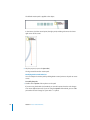
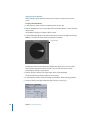
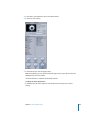
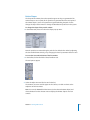
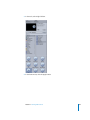
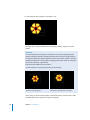
2 In the Emitter tab of the Inspector, choose Point from the Emitter Shape pop-up menu.
Tutorial 4 Working With Particles
203