1
Configure Sensitivity Stages
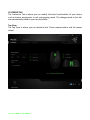
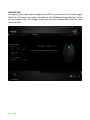
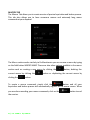
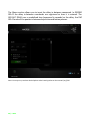
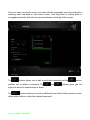
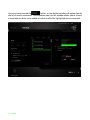
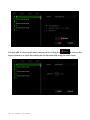
A sensitivity stage is a preset sensitivity value. You can create up to 5 different
sensitivity stages which you can cycle through using the sensitivity stage up/down
buttons. You may use the ENABLE X-Y SENSITIVITY concurrently with this option. Note
that whenever you configure a sensitivity stage, your current sensitivity will match that
setting.
Acceleration
Acceleration increases the cursor’s movement speed depending on how quickly you
move the mouse. The higher the value, the faster the mouse accelerates.
(Recommended settings: Windows 0, Mac 5)
Polling Rate
The higher the polling rate, the more often the computer receives information about
the status of your mouse, thus increasing the mouse pointer’s reaction time. You can
switch between 125Hz (8ms), 500Hz (2ms) and 1000Hz (1ms) by selecting your desired
polling rate on the dropdown menu. (Recommended setting: 500Hz – 1000Hz)
Note: Polling rate in wireless mode is set at 250Hz and cannot be modified.
22 | For gamers. by gamers.™