1
CCTV
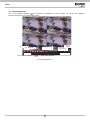
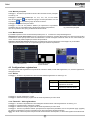
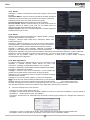
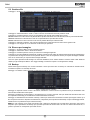
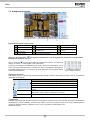
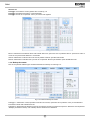
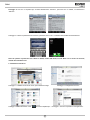
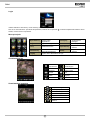
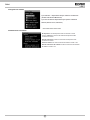
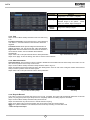
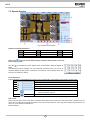
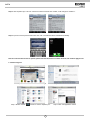
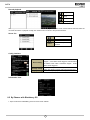
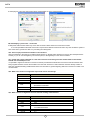
Fig 7-5 Play Record File Interface
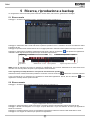
This DVR supports remote time search, event search and file management.
By Time Search:
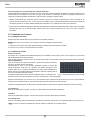
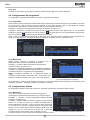
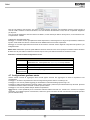
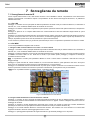
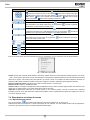
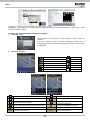
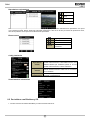
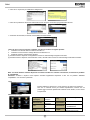
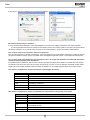
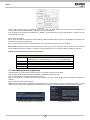
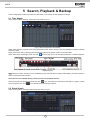
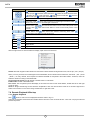
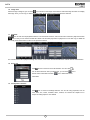
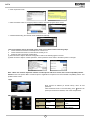
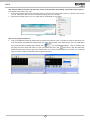
Step1: Enter into SearchÆTime search. Refer to Fig 7-6:
Fig 7-6 Time Search Interface
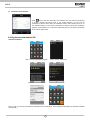
Step2: The highlight date in the area indicates recorded data. Select the date in the area and record channels in area
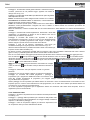
Step3: Click “Search” button. The record data will be displayed in the data information list box;
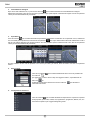
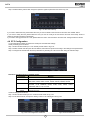
Step 4: Set the Start time and display mode in the area as required
Step 5: Click “play” button to playback
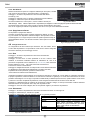
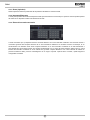
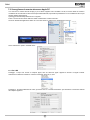
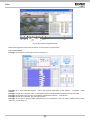
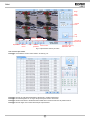
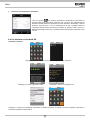
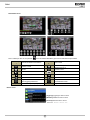
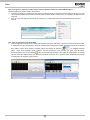
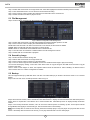
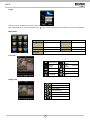
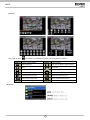
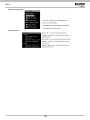
Step 6: Click the relevant buttons in the interface for operation, like FF, pause, change channel mode, research, etc. Please
refer to Fig 7-7:
87
EN