1
Chapter 3
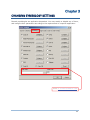
Changing Symbology Settings
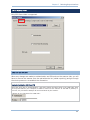
3.8 EAN-8
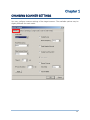
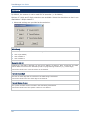
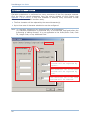
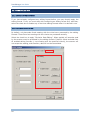
By default, the scanner is set to read EAN-8 barcodes. (= No Addon)
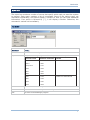
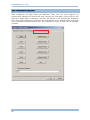
Options of 2-digit and 5-digit extensions are available. Select the check box so that it can
read Addon 2 and/or Addon 5.
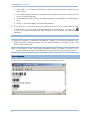
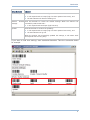
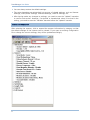
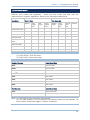
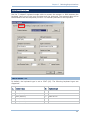
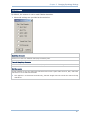
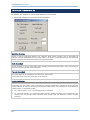
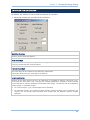
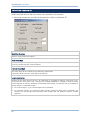
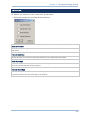
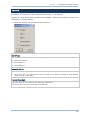
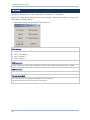
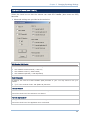
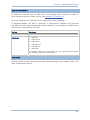
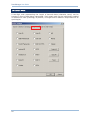
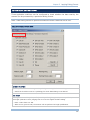
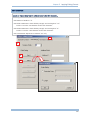
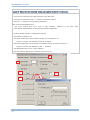
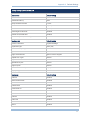
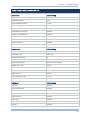
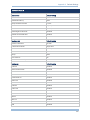
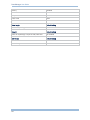
Advanced settings are provided as shown below.
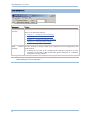
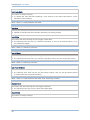
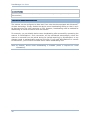
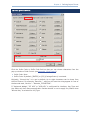
EAN-8 Family
Select the check box to enable at least one type of the EAN-8 barcodes.
EAN-8 (No Addon)
EAN-8 Addon 2
EAN-8 Addon 5
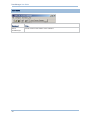
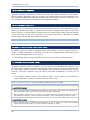
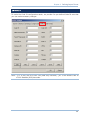
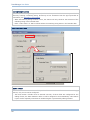
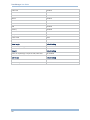
Convert to EAN-13
Decide whether to expand the read EAN-8 barcode, as well as its addons, into EAN-13.
After conversion, the data follows EAN-13 format and is affected by EAN-13 programming
selections (e.g. Check Digit).
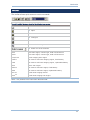
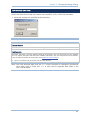
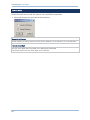
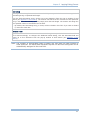
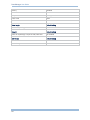
Transmit Check Digit
The check digit will be included in the data being transmitted.
Cancel the check box if the check digit is not desired.
43