1
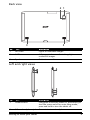
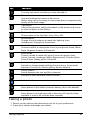
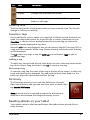
Back view
2 1
3
3
No.
Item
Description
1
LED flash
Lights to illuminate images.
2
5 MP camera
A 5-megapixel camera for taking highresolution images.
3
Speakers
Emits stereo audio
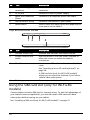
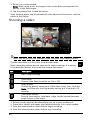
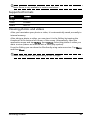
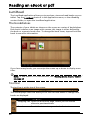
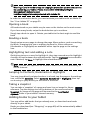
Left and right views
1
2
4
3
5
6
7
No.
Item
Description
1
Power button
Long press to turn the tablet on, press briefly to
turn the screen on/off or enter sleep mode;
press and hold to turn the tablet off.
2
3.5 mm headphone jack
Connect to stereo headphones.
Getting to know your tablet
9