1
Configuring time synchronization
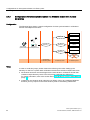
5.5 Configuring the time synchronization of the OS
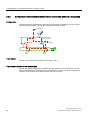
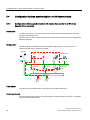
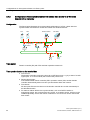
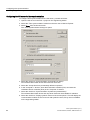
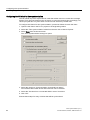
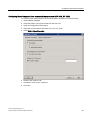
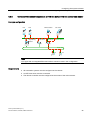
Configuring the OS client for time synchronization
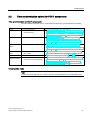
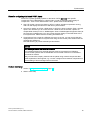
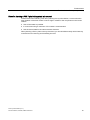
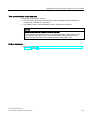
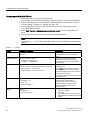
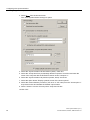
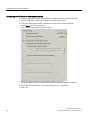
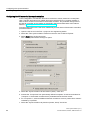
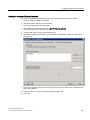
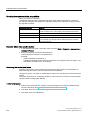
To configure time synchronization for OS clients, proceed as follows for each OS client:
1. Open the OS client in the PCS 7 project on the engineering station.
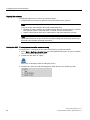
2. Select the "Time synchronization" editor from the tree view of WinCC Explorer.
3. Select Open from the shortcut menu.
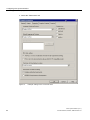
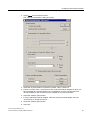
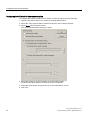
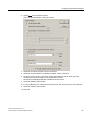
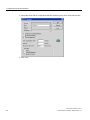
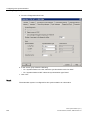
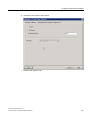
The "Time Synchronization" dialog box opens.
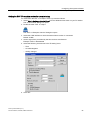
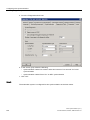
4. Select the check box "Synchronization via Terminal Bus (slave)".
All associated options buttons and text boxes can be selected.
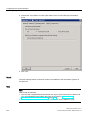
5. Select the option button "Accept time from a connected WinCC server".
6. Click "OK".
74
Time synchronization (V7.1)
Function Manual, 03/2009, A5E01216578-01