1
Windows 7 Information
Fingerprint Reader Module (Win 7)
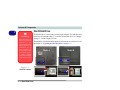
The fingerprint reader module provides a high level of security for your computer.
Make sure you have administrator’s rights to your computer, and have a Windows
password enabled for full security protection.
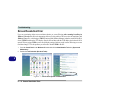
Before beginning the enrollment process it is recommended that you go through the
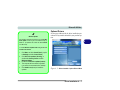
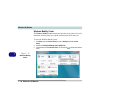
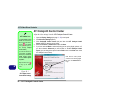
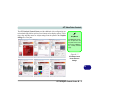
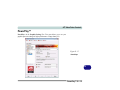
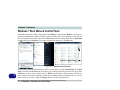
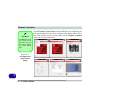
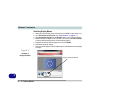
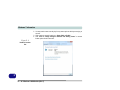
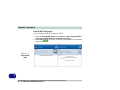
fingerprint tutorial. To run the tutorial click Start > Programs/All Programs > Protector Suite QL > Fingerprint Tutorial after installing the driver.
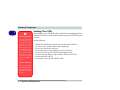
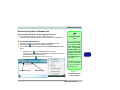
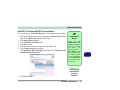
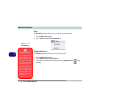
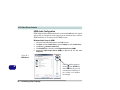
Fingerprint Reader Driver Installation
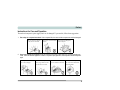
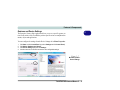
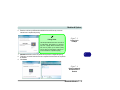
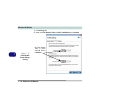
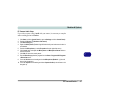
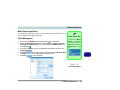
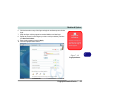
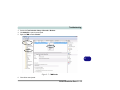
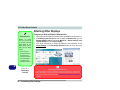
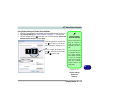
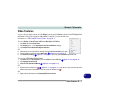
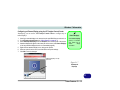
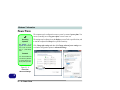
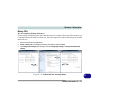
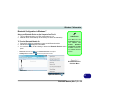
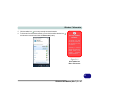
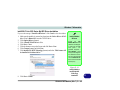
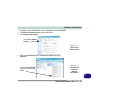
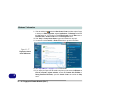
1. Insert the Device Drivers & Utilities + User’s Manual disc into the CD/
DVD drive.
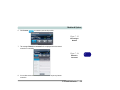
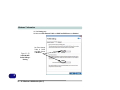
2. Click Option Drivers (button).
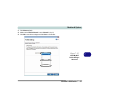
3. Click 4.Install FingerPrint Driver > Yes.
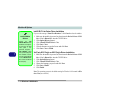
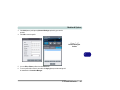
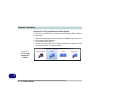
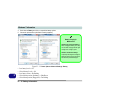
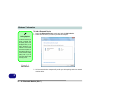
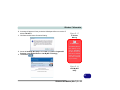
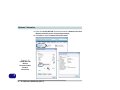
4. Click Software Installation.
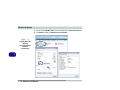
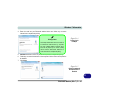
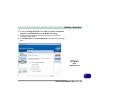
5. Click Next > Next > Next.
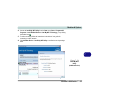
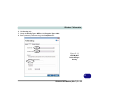
6. Click Finish > Yes to restart the computer.
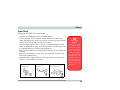
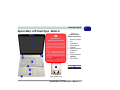
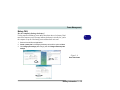
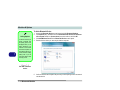
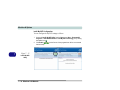
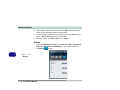
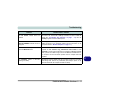
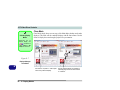
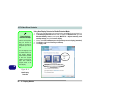
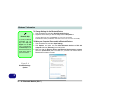
Help & Manual
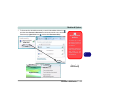
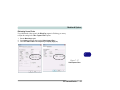
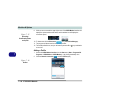
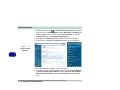
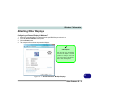
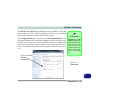
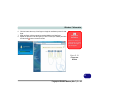
Right-click the taskbar icon
to bring up the menu to
select Help.
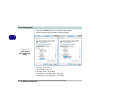
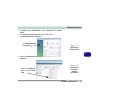
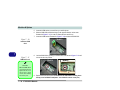
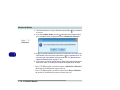
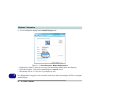
Insert the Device Drivers &
Utilities + User’s Manual
disc and click Option Drivers (button). Click Unlock
(button) and then click 4.Install FingerPrint Driver
>Yes.
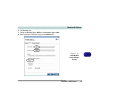
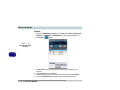
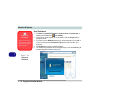
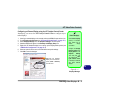
Click Documentation to
open the folder containing
the manual in .pdf format.
To install the Adobe Acrobat
Reader software to read the
file, insert the Device Drivers & Utilities + User’s Manual disc and click User’s
Manual (button), and click
Install Acrobat Reader
(button).
D
Fingerprint Reader Module (Win 7) D - 61