1
STANDALONE DVR USER MANUAL
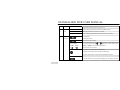
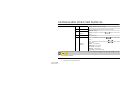
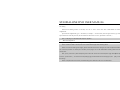
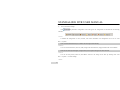
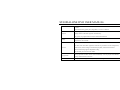
Media Port:It is for media stream transmition includes real-time streaming, voice streaming and file streaming, etc.
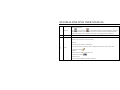
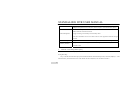
Note 1: All network settings will take effect after the DVR is being saved. Note 2: Some models need to enter <Network Setting>→〖Advanced Setting>>〗to set PPPoE. 2)
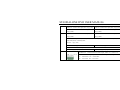
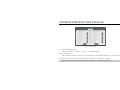
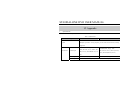
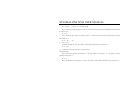
Advanced Setting
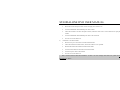
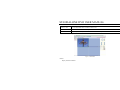
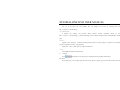
Please enter <Tool Bar>→< Setting >→< Net >→〖Advanced Setting>>〗
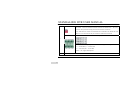
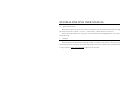
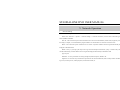
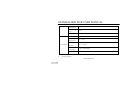
PPPoE Setting
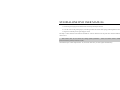
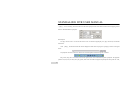
Select PPPoE and click〖>>〗, the PPPoE setup screen will appear. Type in user name and password and click OK to
confirm. The system will dial automatically, and an IP address will be assigned and displayed automatically on IP Address field.
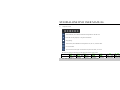
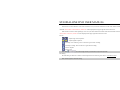
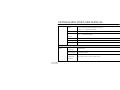
DNS ADDRESS
Type the DNS server IP address.
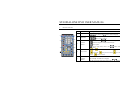
DDNS
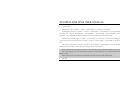
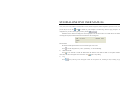
Select DDNS and click 〖>>〗, the DDNS setup screen will appear. Select a DDNS server and type in the DDNS address,
user name and password.
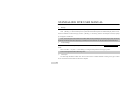
Auto Register
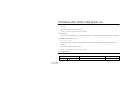
Select Auto Register and click〖>>〗, the register setup screen will appear. Type in the register server IP, port and register
interval time.
47