1
PLC
Introduction
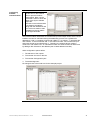
This chapter describes how to create a PLC program, including the logic for the drive
island, using the Unity Pro software.
Proceed as follows to integrate the PLC:
1. Create new project and select hardware
2. Configure Profibus DP communication
3. Create application program (logic)
4. Connect PLC and download program
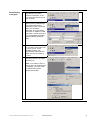
Creating a
new project
1
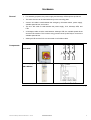
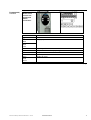
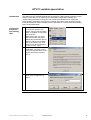
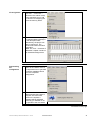
After starting Unity, the first
thing you need to do is create
a new project. When doing so,
you must select the correct
PLC.
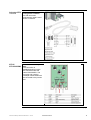
2
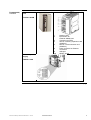
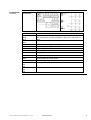
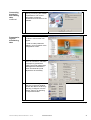
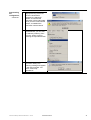
Next, you should modify the
position of the CPU by
dragging and dropping and
insert the correct power
supply. Now save the project.
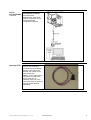
3
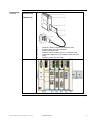
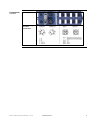
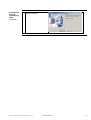
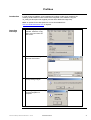
Finally, select the TSX PBY
100 Profibus card from the
hardware list under
“Communication” and drag it
to the rack.
Premium and Advantys STB on Profibus DP.doc – Juni-05
Schneider Electric
34