1
Running a Search
Running a Search
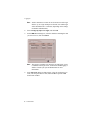
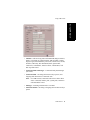
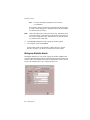
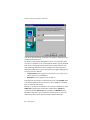
The CDR Search main window has three tabs: CDR, Group CDR, and
WG Statistics.
CDR Search
CDR Search lets you search all calls, internal and external. To perform this
search, you must log in as the administrator.
To run a CDR search:
1.
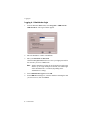
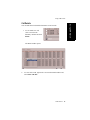
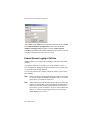
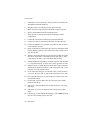
Select the time range for the search:
• User Define—the From/To fields default to a range that includes
the 10 previous days. Edit the date and time for a custom range.
• Today—sets the From/To fields to the current date.
• Last 7 Days—sets the From/To range to the previous seven days.
• Session ID—searches calls by Session ID.
2.
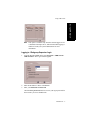
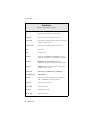
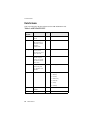
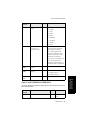
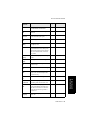
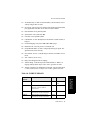
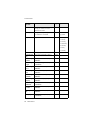
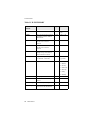
Select the Type of search:
Note: If searching by Session ID, enter a Session ID number in the
blank field, then press the Search button.
10 CDR Manual