1
Custom Printing
Deleting Custom Settings
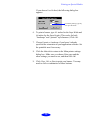
If you no longer need your customized settings, follow these
steps to delete them:
1. Select Advanced mode and the document type in the
Custom Settings drop-down list.
2. Click Save Settings.
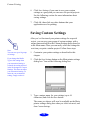
3. Select the document type in the Custom Settings box, and
click Delete. (You cannot delete any of the predefined
document types.)
2-9