1
D9412GV2/D7412GV2 | Program Entry Guide | 5.0
RADXSKED
EN | 113
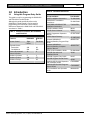
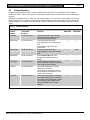
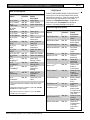
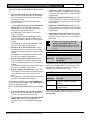
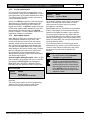
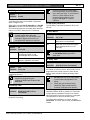
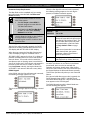
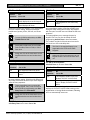
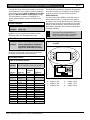
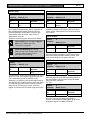
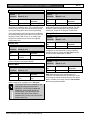
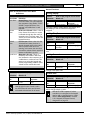
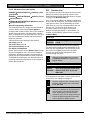
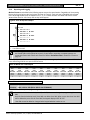
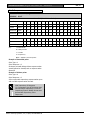
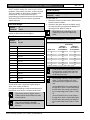
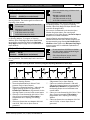
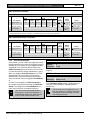
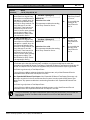
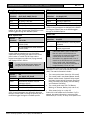
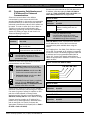
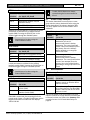
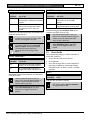
Table 41: Delivery Schedule*
Open
W#
3
Day of Week
S M T W T F
S
Early
Begin
02 : 30
Program at least
one day Yes.
*
Close
Start
Stop
Early
Begin
02 : 45
03 : 00
03 : 05
Start
Stop
03: 15
03: 30
00 : 00
Day(s) of the week, but not on holidays
01 : 00
eXcept
On
Holiday
Yes No
Yes
Yes
No
Holiday
Index
1 2 3 4
1 2 3 4
Select at
least one
index
Area(s)
1 2 3 4 5 6 7 8
1 2 3 4 5 6 7 8
Program at least
one area Yes.
Monday and Wednesday, In between 2:45 AM and 3:00 AM. Out between 3:15 AM and 3:30 AM.
Another alternative for delivery schedules is to automatically bypass specific points using skeds.
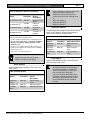
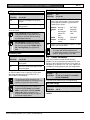
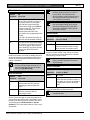
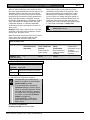
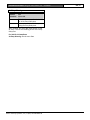
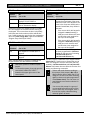
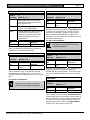
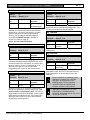
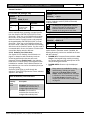
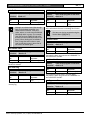
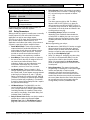
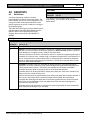
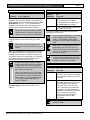
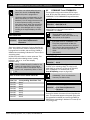
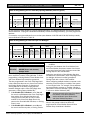
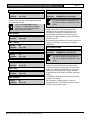
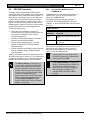
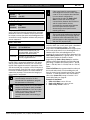
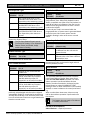
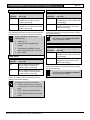
Table 42: Monthly Auditor’s Schedule*
Open
W#
4
Day of Week
S M T W T F
S
Early
Begin
07 : 00
All days must be
programmed No.
*
Close
Start
Stop
Early
Begin
08 : 00
08 : 30
14 : 00
Start
Stop
14: 30
17: 00
eXcept
On
Holiday
Yes No
Only on holidays
No
Holiday
Index
1 2 3 4
Select at
least one
index
Area(s)
12345678
Program at least
one area Yes.
Sunday, In between 8:00 AM and 8:30 AM. Out between 2:30 PM and 5:00 PM..
5.1.2
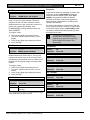
User Group Windows
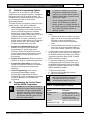
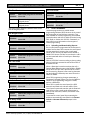
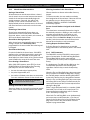
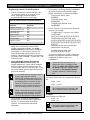
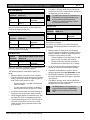
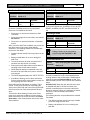
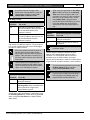
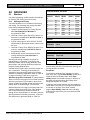
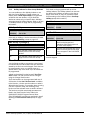
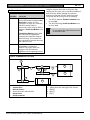
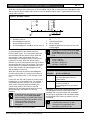
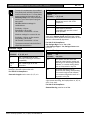
In this section, you can create up to eight User Group
periods where the pass codes for the group chosen is
enabled. One user group can have multiple windows
assigned to it over a 24-hour period. Refer to the
U### User Group prompt in Section 3.1 Pass Code
or Token Worksheet to assign individuals to a group.
When you assign a U### User Group to one of the
eight windows, all pass codes for the group are
enabled ONLY for the period between the Enable
Time and Disable Time for assigned User Windows
#.
If a user is not assigned to a U### User Group or
the number programmed for the user for U### User
Group is not assigned to a User Windows #, the
pass code for that user is enabled all the time.
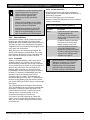
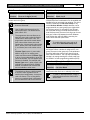
User Group Windows do not affect the
users token or card access authority. To
enable/disable tokens, the Sked Function
Access Levels On/Off must be used.
Bosch Security Systems, Inc. | 10/08 | F01U003636-04
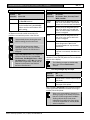
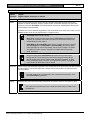
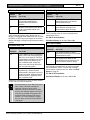
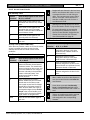
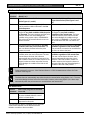
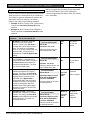
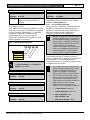
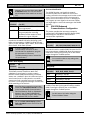
User Windows #
Default:
1
Selection:
1 to 8
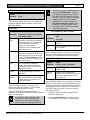
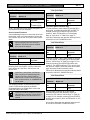
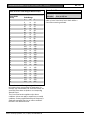
Enter the User Windows number you want to
program.
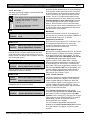
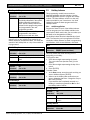
UW# User Group
Default:
1
Selection:
Blank, 1 to 8
Enter the number programmed for the group of users
in the U### User Group prompt. This group has its
user pass codes enabled or disabled when this
window runs.
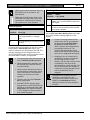
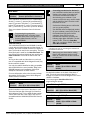
A User Group can be assigned to more
than one window in a 24-hour period, but
the windows must not overlap or exceed
the midnight boundary.