1
2.
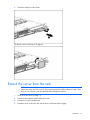
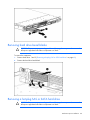
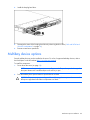
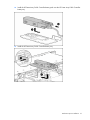
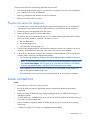
Extend the display from the chassis.
The display can be rotated up to 90 degrees.
Extend the server from the rack
NOTE: If the optional cable management arm option is installed, you can extend the server
without powering down the server or disconnecting peripheral cables and power cords. These
steps are only necessary with the standard cable management solution.
1.
Power down the server (on page 18).
2.
Disconnect all peripheral cables and power cords.
3.
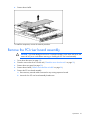
Loosen the front panel thumbscrews.
4.
Extend the server on the rack rails until the server rail-release latches engage.
Operations 19