1
all.book
Page 20
Friday, May 31, 2002
9:49 AM
Setting Up
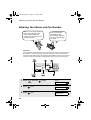
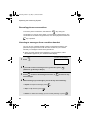
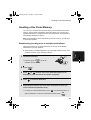
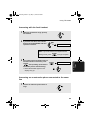
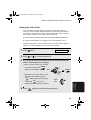
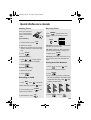
Entering a name for the cordless handset
You can enter a name for the cordless handset in the fax machine.
♦ The fax machine will transmit the name that you enter to your cordless
handset. The name will appear in the cordless handset’s display.
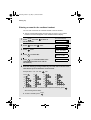
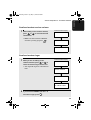
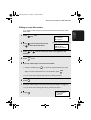
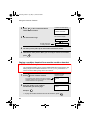
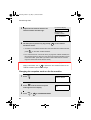
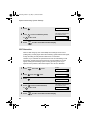
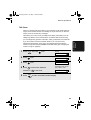
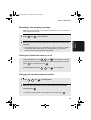
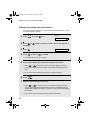
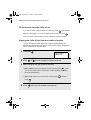
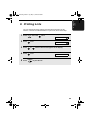
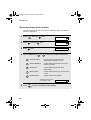
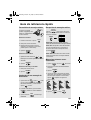
1
Press FUNCTION once and
the fax machine.
3 times on
Fax machine display:
ENTRY MODE
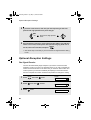
2
Press
once and
3
Press
once.
1=SET, 2=CLEAR
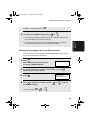
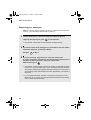
4
Press
to select SET.
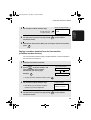
SELECT HS NO.
5
Press 1 . (“1” is the ID number of the
cordless handset that came with the
fax machine.)
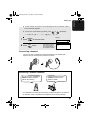
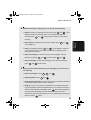
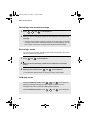
6
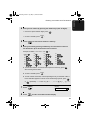
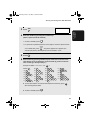
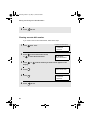
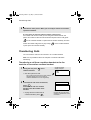
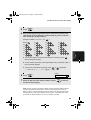
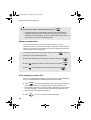
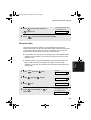
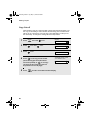
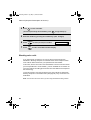
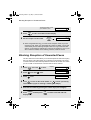
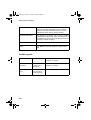
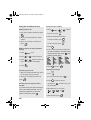
Enter the name by pressing number keys for each letter as shown in the
chart below. Up to 10 characters can be entered.
1
once.
HS NAME SET
Example: BILL = 22 444 555
SELECT ID NO. 1
555
G=
N=
A=
H=
O=
V=
B=
I =
P=
W=
C=
J=
Q=
X=
D=
K=
R=
Y=
E=
L=
S=
Z=
F=
M=
T=
SPACE =
U=
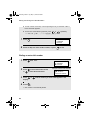
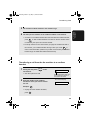
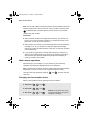
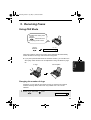
♦ To enter two letters in succession that require the same key, press
after entering the first letter.
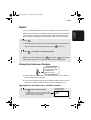
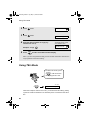
♦ To clear a mistake, press
20
SPEAKER
.