1
om
tP
ar
ts
.c
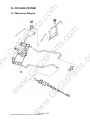
5-10 Air Cleaner
2i
Installation
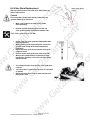
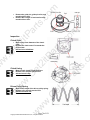
Cleaning air cleaner element
•
•
2i
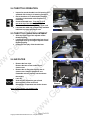
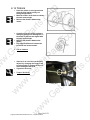
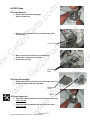
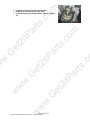
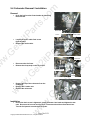
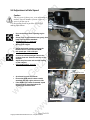
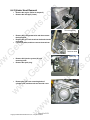
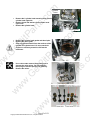
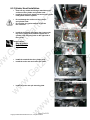
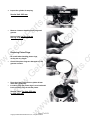
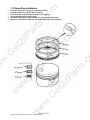
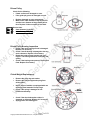
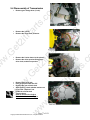
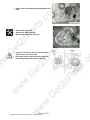
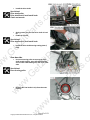
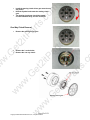
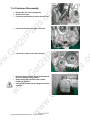
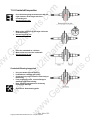
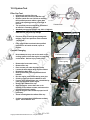
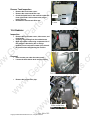
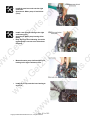
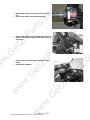
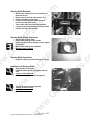
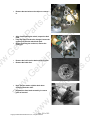
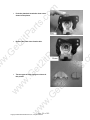
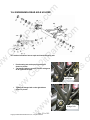
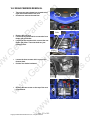
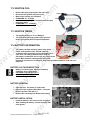
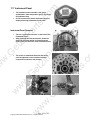
Remove the air cleaner cover (4 latches).
Remove the element mounting screw.
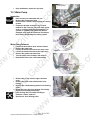
Loosen the air cleaner element clamp strip,
and then remove the air cleaner element.
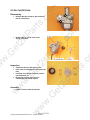
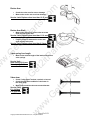
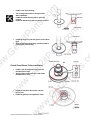
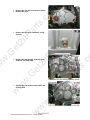
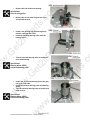
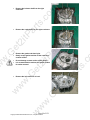
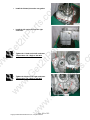
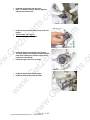
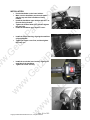
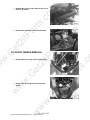
Clean the element with non-flammable or
high-flash point solvent and then squeeze
out the excess fluid.
Let it dry.
.G
et
•
•
•
tP
a
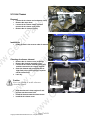
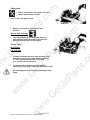
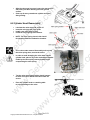
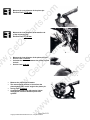
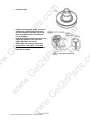
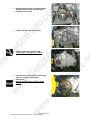
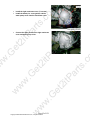
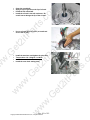
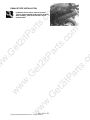
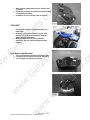
Install the tank in the reverse order of removal.
.G
et
•
w
•
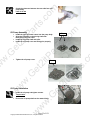
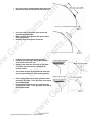
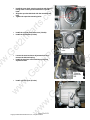
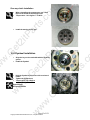
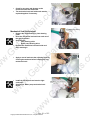
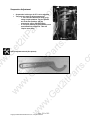
Soak the element in clean engine oil and
squeeze out the excess fluid.
Install the element onto the element seat.
Install the air cleaner cover.
w
w
w
•
•
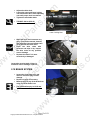
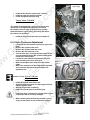
Element clamp
.G
et
w
w
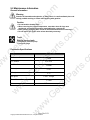
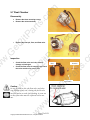
Caution
Never use gasoline or acidic solvent to
clean the element.
ar
ts
.c
•
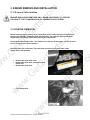
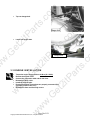
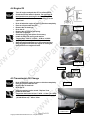
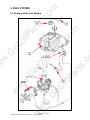
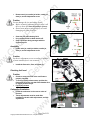
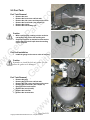
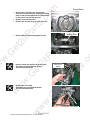
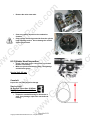
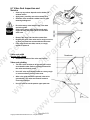
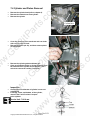
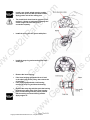
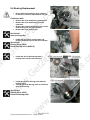
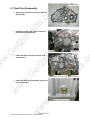
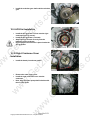
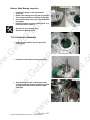
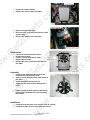
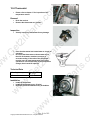
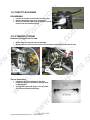
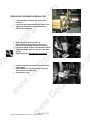
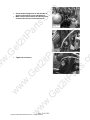
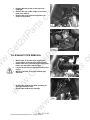
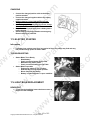
Loosen the air cleaner and carburetor clamp.
Remove the vapor hose.
Loosen the air cleaner clamp, and then
remove the air cleaner vapor hose.
Remove the air cleaner (4 clips)
2i
tP
•
•
•
rts
.c
om
Removal
w
w
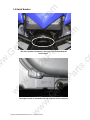
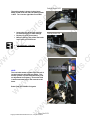
Fuel tank bolts
Page 37 of 151
Copyright ©2008-2009 ETON America, llc., all rights reserved.
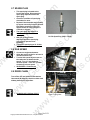
Element mounting
screw