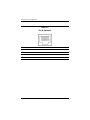
Display Component Recycling
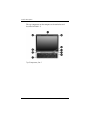
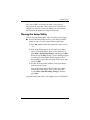
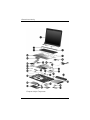
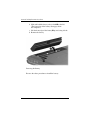
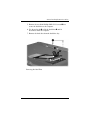
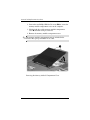
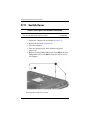
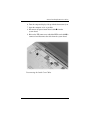
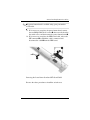
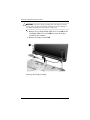
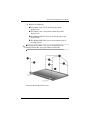
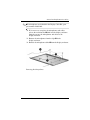
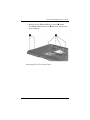
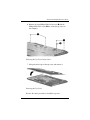
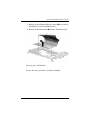
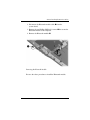
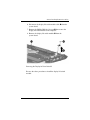
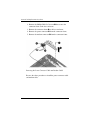
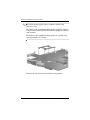
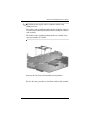
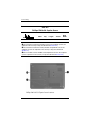
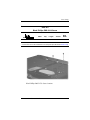
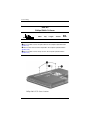
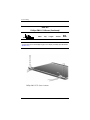
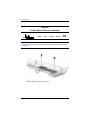
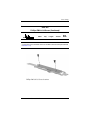
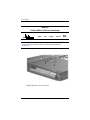
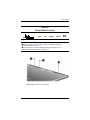
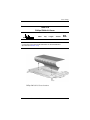
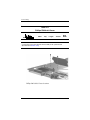
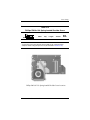
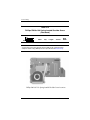
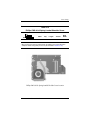
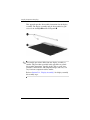
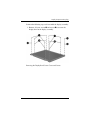
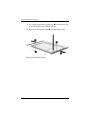
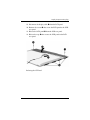
11. Remove the screws 1 that secure the backlight cover to the
LCD panel.
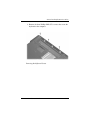
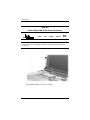
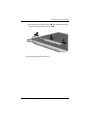
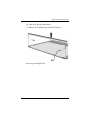
12. Lift the top edge of the backlight cover 2 and swing it
forward.
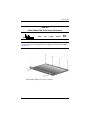
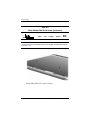
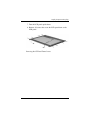
13. Remove the backlight cover.
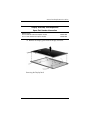
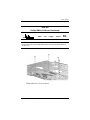
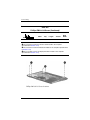
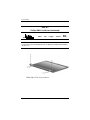
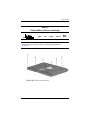
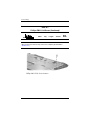
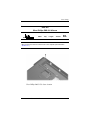
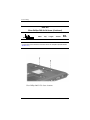
Removing the Backlight Cover
Maintenance and Service Guide
C–9