1
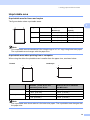
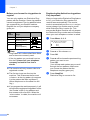
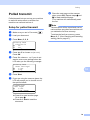
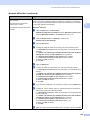
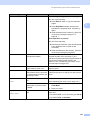
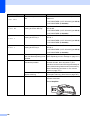
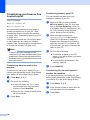
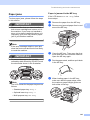
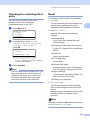
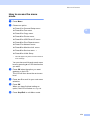
How to reset
a
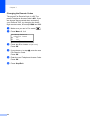
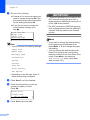
(USA) Press Menu, 0, 6.
(Canada) Press Menu, 0, 7.
06.Reset
1.Network
2.Address & Fax
3.All Settings
Select ab or OK
b
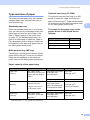
Press a or b to choose the reset you
want.
Press OK.
c
Press a or b to choose 1.Reset or
2.Exit.
Press OK.
d
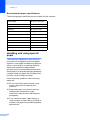
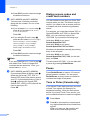
If you choose 1.Reset in step c, you
will be asked to reboot the machine.
Press a or b to choose 1.Yes or 2.No.
Press OK.
If you choose 1.Yes, the machine will
begin the Restart.
C
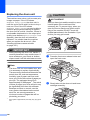
Packing and shipping
the machine
CAUTION
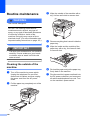
If you pack the machine soon after turning
off the power make sure the machine has
cooled down completely.
When you transport the machine, use the
packing materials that came with your
machine. If you do not pack the machine
properly, you could void your warranty. The
machine should be adequately insured with
the carrier.
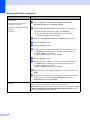
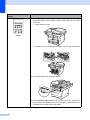
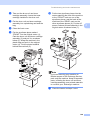
a
b
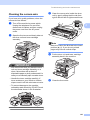
Turn off the machine’s power switch.
c
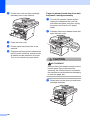
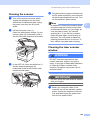
Unplug all the cables and AC power
cord from the machine.
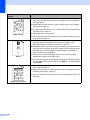
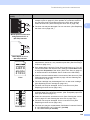
d
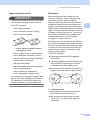
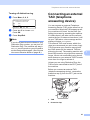
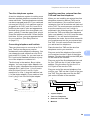
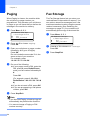
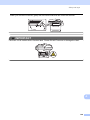
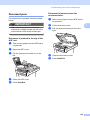
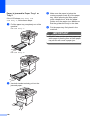
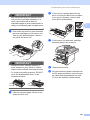
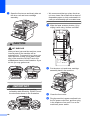
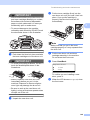
Push the Scanner Lock Lever down to
lock the scanner. This lever is located on
the left of the scanner glass.
Note
You can also reset the Nerwork settings by
pressng Menu, 7, 0.
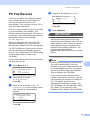
Unplug the machine from the telephone
wall jack.
IMPORTANT
Damage caused to your machine by
failure to lock the scanner before packing
and shipping may void your warranty.
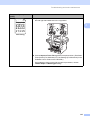
e
168
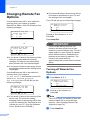
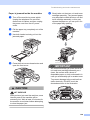
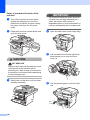
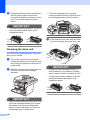
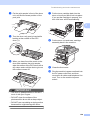
Press the front cover release button and
open the front cover.
C