1
VerizonA670.book Page 90 Friday, February 27, 2004 7:29 AM
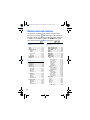
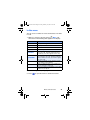
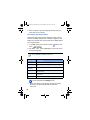
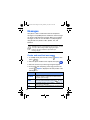
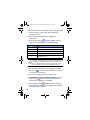
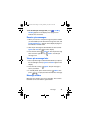
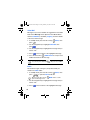
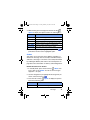
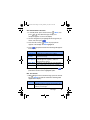
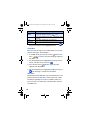
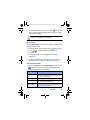
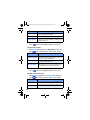
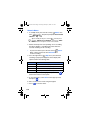
How Mobile Web keys work
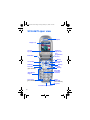
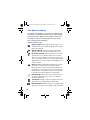
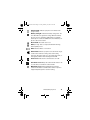
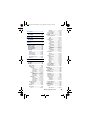
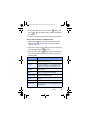
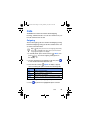
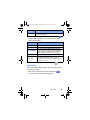
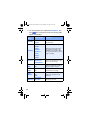
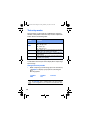
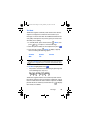
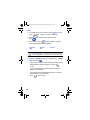
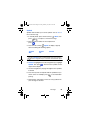
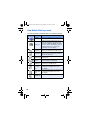
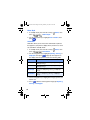
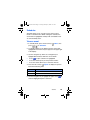
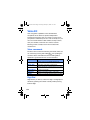
The following table lists Mobile Web keys and their functions.
Key
•
-
Name
Function
Navigation Key
Use the navigation key to browse lists
and highlight options.
CLR Key
A browser back-up key. Press once to
back up one page. Press and hold to
go back to VZW with MSN home page.
Press to clear the last number, letter, or
symbol entered. Press and hold to
completely clear the display.
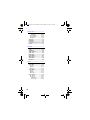
Asterisk/
Shift Key
Press before entering text to enable
upper case characters (in Abc mode).
0/Next Key
Press to enter a zero (0), or to display
another word in the dictionary when in
T9 Word entry mode.
Pound/
Space Key
Press to insert a space when
entering text.
Numbers 1
thru 9
Use the number keys to select items in
a menu if they are numbered.
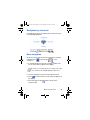
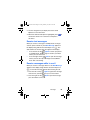
END Key
Press to exit Mobile Web and return
the phone to standby mode.
Left Soft
Key
Press the left soft key to activate the
command that appears above it in
the display.
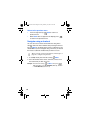
Right Soft
Key
Press the right soft key to activate the
command that appears above it in
the display.
Press to dial a highlighted number.
SEND Key
90