1
Quick Reference Guide: AR-M207, M165, M162
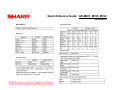
Flash ROM Version Up Procedure (cont’d)
Flash Rom Version Up Procedure
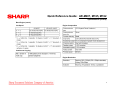
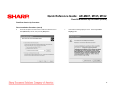
Driver Installation Procedure (cont’d)
Installation Procedure on Windows 2000
8.
1.
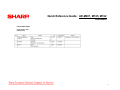
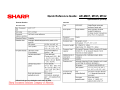
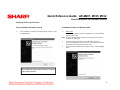
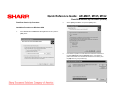
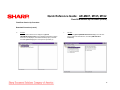
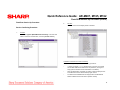
When installation is completed, the following display is shown. Press
the [Finish] button.
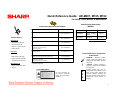
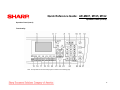
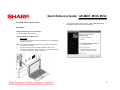
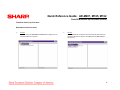
Machine side:
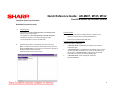
Executable by performing the Service Simulation No. 49-01 (Flash ROM
program-writing mode).
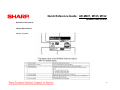
Note: The words “Download Mode” appear on the operation panel to denote
the download mode status.
2.
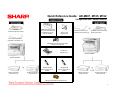
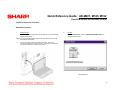
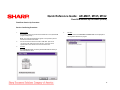
Connect the machine and the PC with a USB cable. (Be sure to
connect the USB cable to the main unit side. Connection to the optional
dual function board cannot execute this function.)
3.
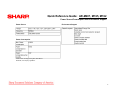
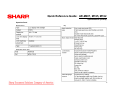
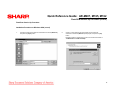
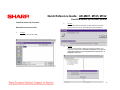
Check that the new hardware search Wizard is shown. Press the [Next]
button.
The installation procedure (on Windows XP) is completed
with the above operation.
33