1
Section 3 - Coniguration
Log
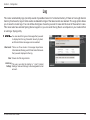
The router automatically logs (records) events of possible interest in it’s internal memory. If there isn’t enough internal
memory for all events, logs of older events are deleted but logs of the latest events are retained. The Logs option allows
you to view the router logs. You can deine what types of events you want to view and the level of the events to view.
This router also has external Syslog Server support so you can send the log iles to a computer on your network that
is running a Syslog utility.
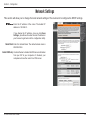
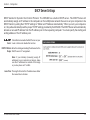
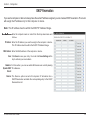
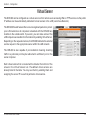
êëìí íî ïðñòó
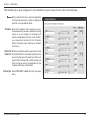
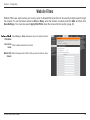
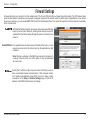
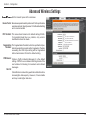
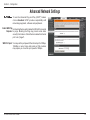
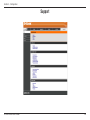
You can select the types of messages that you want
to display from the log. Firewall & Security, System,
and Router Status messages can be selected.
View Levels: There are three levels of message importance:
Informational, Warning, and Critical. Select the levels
that you want displayed in the log.
Clear: Clears all of the log contents.
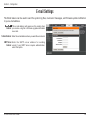
Link to Log The user can click the button to “ Link To Email
Settings: Settings” and send the logs to the designated E-mail
account.
D-Link DIR-600 User Manual
42