1
Configuring the AirLink GX400
Tip: If you have configured the AirLink GX400 for settings different than the defaults for
Bits per second, Data bits, Parity, and/or Stop bits, you will need to use your changed
settings.
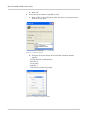
c. Select OK.
If using Telnet with either Ethernet or USB/net:
d. Select TCP/IP (Winsock) for “Connect using”.
e. Type in 192.168.13.31 for “Host address”.
f.
Change “Port number” to 2332.
g. Select OK.
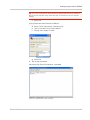
3. You are now connected.
Connecting with Telnet will prompt for a password.
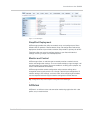
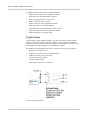
Figure 4-3: HyperTerminal: TCP/IP connected
Rev 2.0 Feb.12
37