1
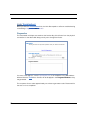
Set up the Netopia Gateway
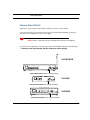
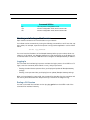
Macintosh MacOS 9 or higher or Mac OS X:
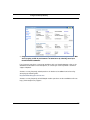
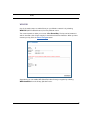
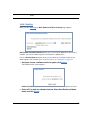
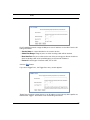
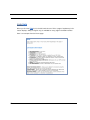
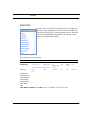
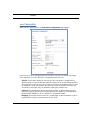
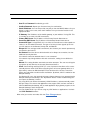
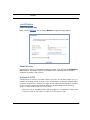
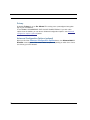
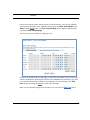
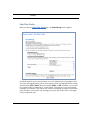
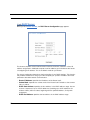
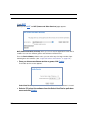
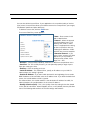
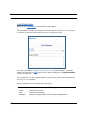
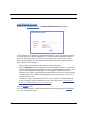
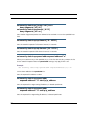
Step 1. Access the TCP/IP or Network control panel.
a. Mac OS 9 follows a path like this:
Apple Menu -> Control Panels -> TCP/IP
Control Panel
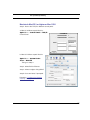
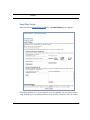
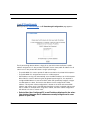
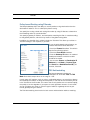
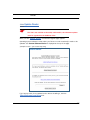
b. Mac OS X follows a path like this:
Apple Menu -> System Preferences -> Network
Then go to Step 2.
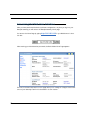
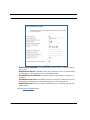
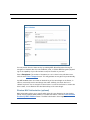
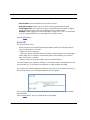
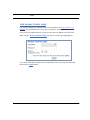
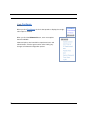
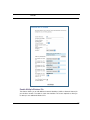
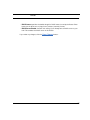
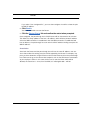
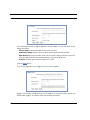
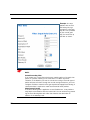
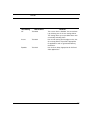
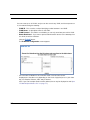
Step 2. Select Built-in Ethernet
Step 3. Select Configure Using DHCP
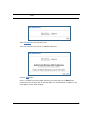
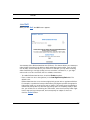
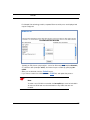
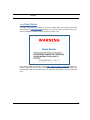
Step 4. Close and Save, if prompted.
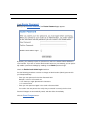
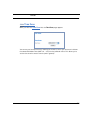
Proceed to “Configure the Netopia
Gateway” on page 28.
27