1
30
PHOTOIMPACT USER GUIDE
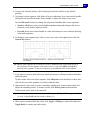
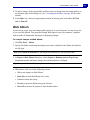
Upon opening a CMYK file, PhotoImpact will prompt you to choose the method your image
will be opened.
If you decide to open it by combining all color channels, you will be asked to specify the
separation profile and the rendering intent method.
For a more convenient way of setting how to open CMYK images, go to File: Preferences General.
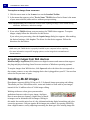
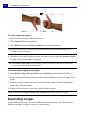
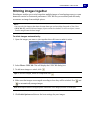
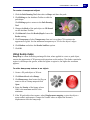
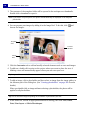
To open files using the Browse Manager:
1. Select File: Browse or click Browse Manager from the Panel Manager to open the
Browse Manager window.
2. Browse for image files on your computer or local network by manually entering their
location in the Address bar or by clicking Show/Hide Tree View and navigating to a
specific folder.
3. Double-click a file to open it.
You can also:
Open multiple files
Drag your mouse over the image files to select them, then drag the
selected files to the workspace
Resize the thumbnails
Resize the thumbnails by clicking Thumbnail Size on the Browse
Manager Toolbar and selecting a preset display size.
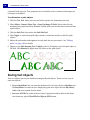
Sort files
Click Sort to arrange files by name, file type, size, or date in
ascending or descending order.
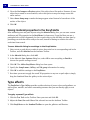
View EXIF information
You can view EXIF information of digital camera photos in the lower
left window of the Browse Manager.
Click
to specify which EXIF tag information to display.