1
RS-232 Host Interface 6-3
Introduction
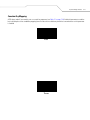
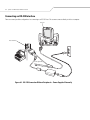
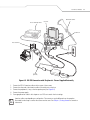
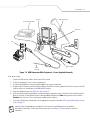
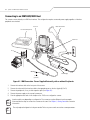
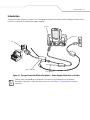
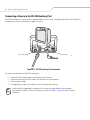
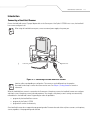
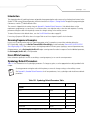
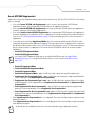
This chapter provides information for setting up the scanner with an RS-232 host. Use the RS-232 interface to attach the scanner to
point-of-sale devices, host computers, or other devices with an available RS-232 port (e.g., com port). This scanner uses TTL RS-232
levels to interface with all PC's without additional hardware.
Note
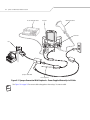
Particularly noisy electrical environments may require a cable with an RS-232 transceiver. To obtain this
cable, contact the Global Customer Interaction Center.
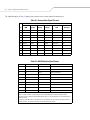
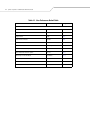
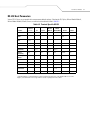
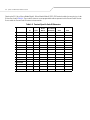
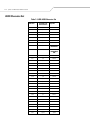
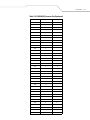
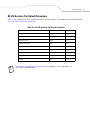
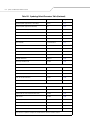
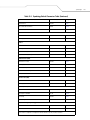
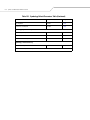
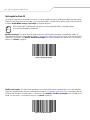
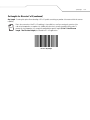
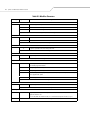
If the particular host is not listed in Table 6-2, set the communication parameters to match the host device. See the documentation
for the host device.
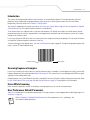
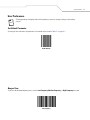
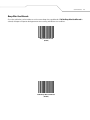
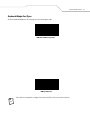
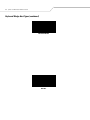
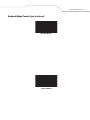
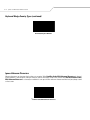
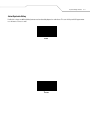
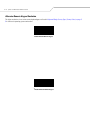
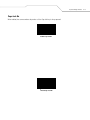
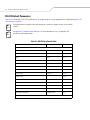
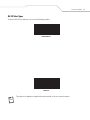
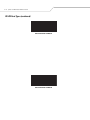
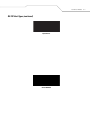
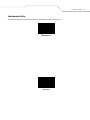
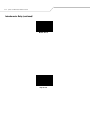
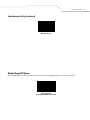
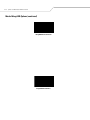
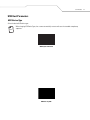
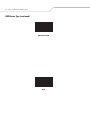
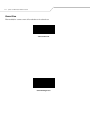
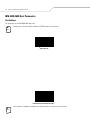
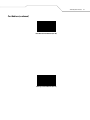
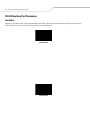
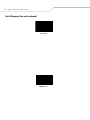
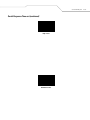
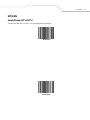
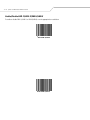
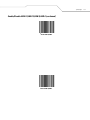
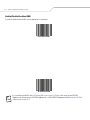
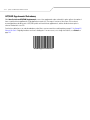
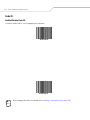
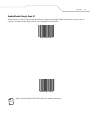
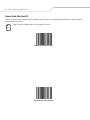
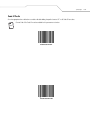
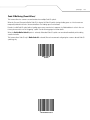
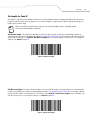
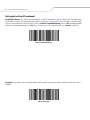
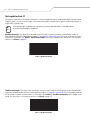
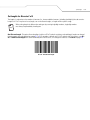
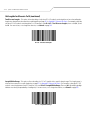
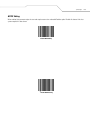
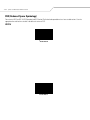
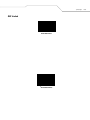
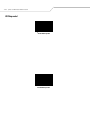
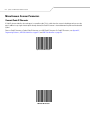
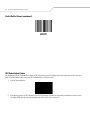
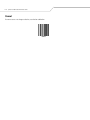
Throughout the programming bar code menus, asterisks (*) indicate default values.
* Indicates Default
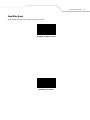
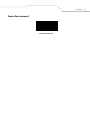
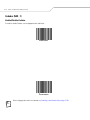
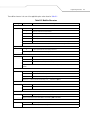
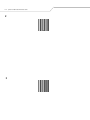
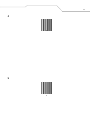
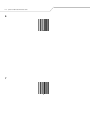
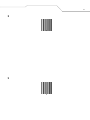
*Baud Rate 9600
Feature/Option