1
Chapter 3: Software Installation
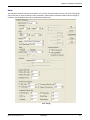
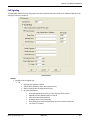
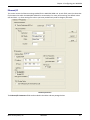
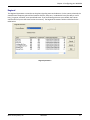
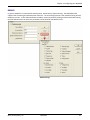
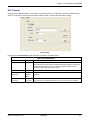
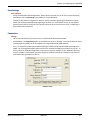
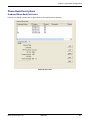
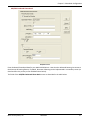
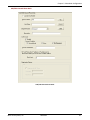
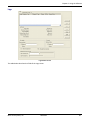
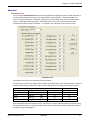
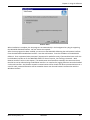
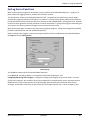
Regional
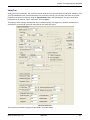
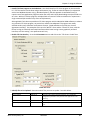
Select the country or region that the MultiVOIP GSM unit will operate in, or use the custom option if the
available settings are not adequate.
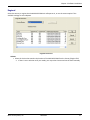
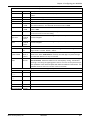
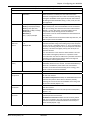
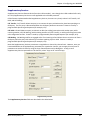
Regional Parameters
Actions:
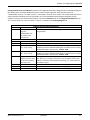
• Select the choice that matches the location of the MultiVOIP GSM from the Country/Region field
o If there is not a selection to fit your needs, you may select Custom and set the tones manually
Multi-Tech Systems, Inc.
MVPGSM
21