1
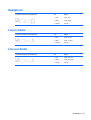
Optical drive
Description
Spare part number
HP SuperMulti DVD Writer Drive
583092-001
HP Slim Slot Blu-ray Combo Drive
583093-001
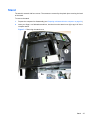
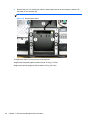
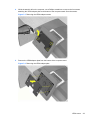
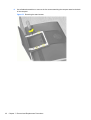
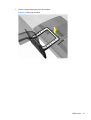
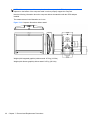
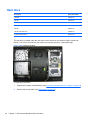
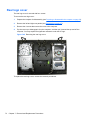
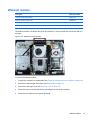
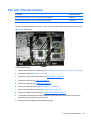
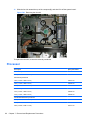
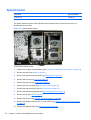
The optical drive is located under the drive cover on the left side of the computer (when viewed from
behind). It is secured with one screw. You must remove the left side cap to remove the optical drive.
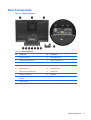
Figure 7-34 Optical drive location
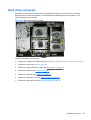
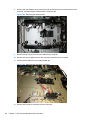
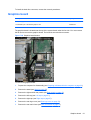
To remove the optical drive:
1.
Prepare the computer for disassembly (see Preparing to disassemble the computer on page 34).
2.
Remove the left rear panel (see Rear panels on page 47).
3.
Remove the left cap (see Left cap on page 61).
Optical drive
63