Download
Avermedia DVD EZMaker 7 Installation guide
1
2
3
4
5
6
7
8
9
10
11
12
13
14
15
16
17
18
19
20
21
22
23
24
25
26
27
28
29
30
31
32
33
34
35
36
Transcript
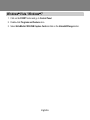
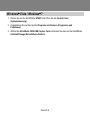
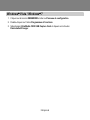
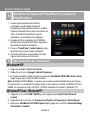
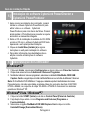
Windows® Vista / Windows® 7
1. Click on the START button and go to Control Panel.
2. Double-click Programs and Features icon.
3. Select AVerMedia C039 USB Capture Card and click on the Uninstall/Change button.
English-6