1
Using the Scene Select Mode Menu (Cont’d)
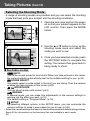
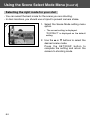
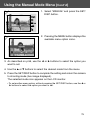
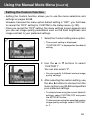
3. As described on p.55, use the 왗 or 왘 buttons to select the option you
want to set.
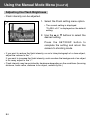
4. Use the 왖 or 왔 buttons to select the desired mode from the menu.
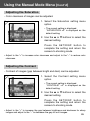
5. Press the SET/DISP. button to complete the setting and return the camera
to shooting mode (live image displayed).
The selected mode icon appears on the LCD monitor.
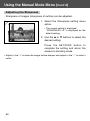
• To set another menu option, without pressing the SET/DISP. button, use the 왗 or
왘 buttons to select the option you want to set.
63