1
Telephone operation
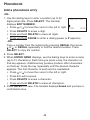
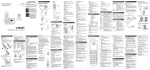
Chain dialing
Use this feature to initiate a dialing sequence from numbers stored in
the phonebook, caller ID log or redial list while you are on a call.
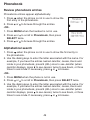
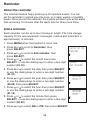
To access a number from the phonebook while on a call:
1. Press MENU.
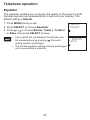
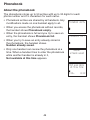
Equalizer
2. Press or to scroll to Phonebook, then
>Phonebook
press SELECT.
3. Press or to scroll to the desired entry, then press
SELECT to dial the displayed number.
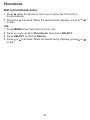
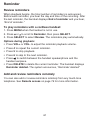
To access a number from the caller ID log while
on a call:
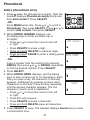
Mike Smith
800-595-9511
1. Press MENU.
2. Press or to scroll to Caller ID log, then
press SELECT.
3. Press or to scroll to the desired entry, then press SELECT to dial
the displayed number.
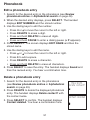
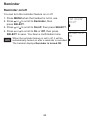
To access a number from the redial list while on a call:
1. Press REDIAL to enter the redial list.
2. Press , or REDIAL repeatedly to browse to the desired entry.
3. Press SELECT to dial the displayed number.
Press CANCEL on the handset to exit the phonebook, caller ID log or
redial list while on a call.
38