1
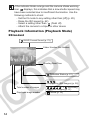
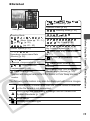
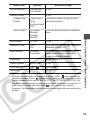
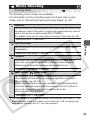
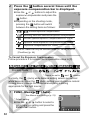
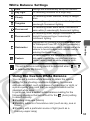
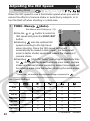
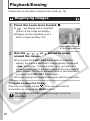
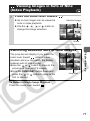
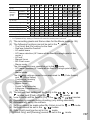
If the indicator blinks orange and the camera shake warning icon displays, this indicates that a slow shutter speed may have been selected due to insufficient illumination. Use the following methods to shoot: - Set the IS mode to any setting other than [off] (p. 28) - Raise the ISO speed (p. 62) - Select a setting other than (flash off) - Attach the camera to a tripod or other device Playback Information (Playback Mode) Standard WAVE Format Sound (p. 79) Folder Number-File Number Shooting Date/Time Protection Status (p. 81) Compression (Still Images) (p. 28) Total number of images Displayed image number 14 Recording Pixels (Still Images) (p. 27) Movie (p. 35)