1
3-60
Using Wave Phone Features
Transfer
Transferring Calls to Voicemail [ALL]
You can transfer calls directly into voicemail without ringing the destination extension.
DIGITAL PHONES
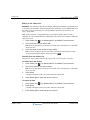
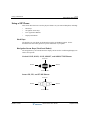
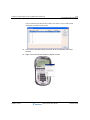
There are two ways to transfer a call directly to Voicemail via a digital phone:
Via a Dedicated Transfer to Voice Mail feature button
This method requires a specially programmed feature button (Transfer with the “Direct Transfer
to Voice Mail” option selected). Contact your System Administrator to find out if this feature is
available on your Wave digital phone.
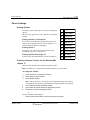
To Transfer Calls to Voicemail via a Transfer to Voice Mail feature button
While on a call:
1.
Press the pre-programmed Transfer to Voice Mail feature button to place the
active call on hold.
2.
Enter the destination extension number.
3.
Hang up to complete the transfer.
The party is transferred directly to the destination extension’s voicemailbox.
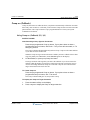
Via the standard Transfer feature button
Use this option if a Transfer to Voice Mail feature button has not been configured on your phone.
To Transfer Calls to Voicemail via the standard Transfer button
While on a call:
1.
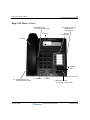
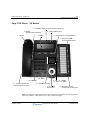
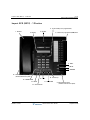
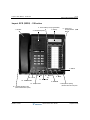
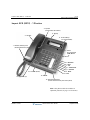
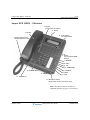
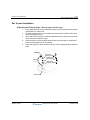
Press the TRNS/CONF button to place the active call on hold.
2.
Press the fixed MESSAGE button or a programmed Message Waiting button.
3.
Enter the destination extension number, or press a DSS/BLF button that has
been configured for a specific extension.
The party is transferred directly to the extension's voice mailbox.
Release 1.5 SP3
Wave Phone User Guide
September 2009