1
144 | Maintaining and Transporting the Printer
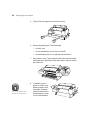
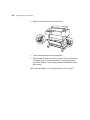
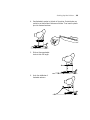
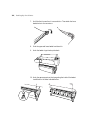
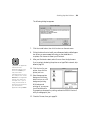
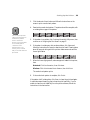
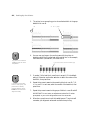
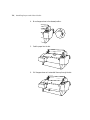
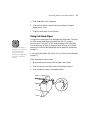
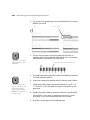
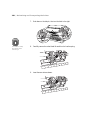
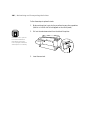
5. Make sure the replacement cartridge is the correct color, and remove it
from its package.
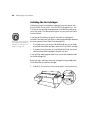
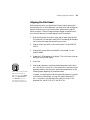
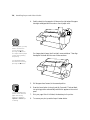
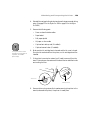
If you’re using UltraChrome Ink, gently shake the cartridge before
installing it.
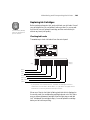
Note
If you can’t insert the
cartridge smoothly, you
may have the wrong
cartridge. Check the
package and product
code. If the Ink Out light
remains on after installing
the cartridge, it may not
be inserted fully.
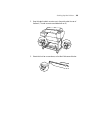
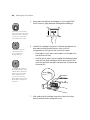
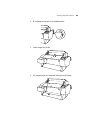
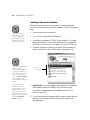
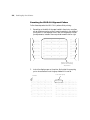
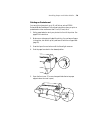
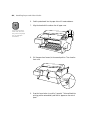
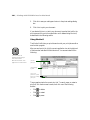
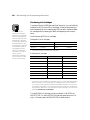
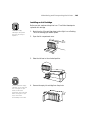
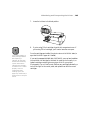
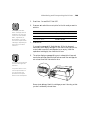
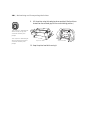
6. Hold the cartridge with the arrow pointing toward the printer. Then
insert the cartridge into the slot. Don’t force it in.
5-144