1
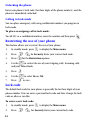
Note: Enter the personal greeting using the keypad, Press
ABC, symbols and 123 options respectively
for T9 Word,
Note: The
key also navigates through the same options in identical
order, and can be pressed for upper case characters.
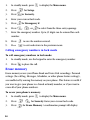
To create a banner:
1.
In standby mode, press
2.
Press
3.
Press
to display the Main menu.
for Display.
for Banner.
Note: Press and hold
to erase an existing banner.
4.
Enter your new banner (Up to 12 characters).
5.
Press
to save.
Backlight
There are several options for setting the Backlight features.
Press any key and the backlight comes on.
Note: Backlight usage drains your battery faster.
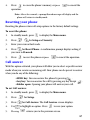
To set the Backlight:
1.
In standby mode, press
to display the Main menu.
2.
Press
for Display.
3.
Press
for Backlight.
4.
Press
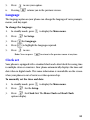
to go through the menu options:
5.
•Power save
•5 seconds
•10 seconds
•15 seconds
•Folder open
When the desired setting is reached, press
to save.
65