1
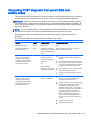
Front bezel
34
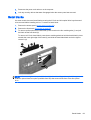
1.
Prepare the computer for disassembly (Preparation for disassembly on page 32)
2.
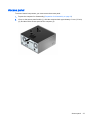
Remove the access panel (Access panel on page 33)
3.
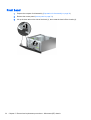
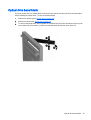
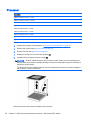
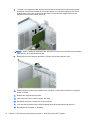
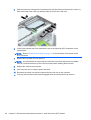
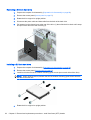
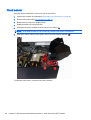
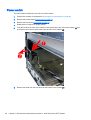
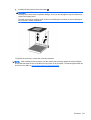
Lift up the three tabs on the side of the bezel (1), then rotate the bezel off the chassis (2).
Chapter 5 Removal and replacement procedures – Microtower (MT) chassis