1
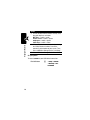
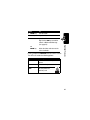
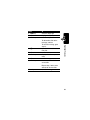
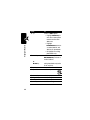
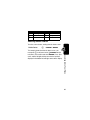
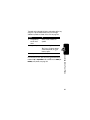
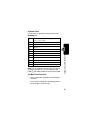
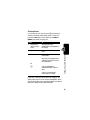
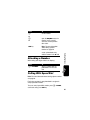
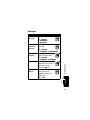
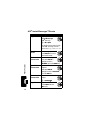
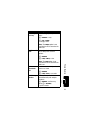
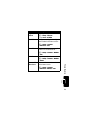
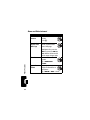
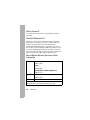
Option
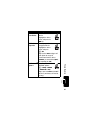
Auto-Timed Capture
Light On/Off
View Free Space
Note: If you close the phone, it will
still take a photo when the timer is
done.
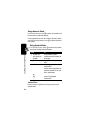
Turn the camera light on or off.
Note: The light stays on until you
take a picture, receive a phone
call, or select Light Off.
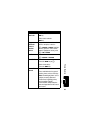
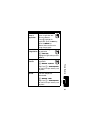
Open the setup menu to adjust
picture settings.
Note: High-resolution images can
only be stored on your memory
card.
See how much memory remains.
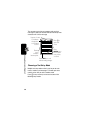
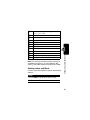
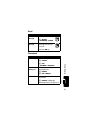
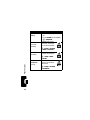
Highlight Features
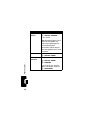
Pictures Setup
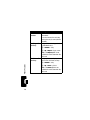
Description
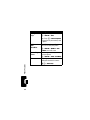
Set a timer for the camera to take
a photo.
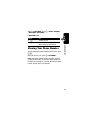
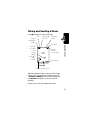
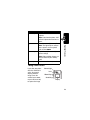
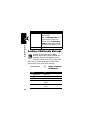
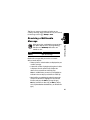
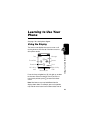
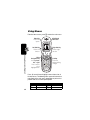
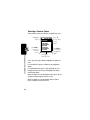
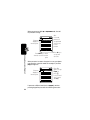
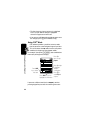
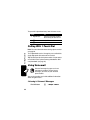
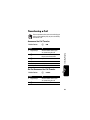
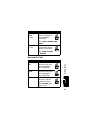
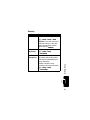
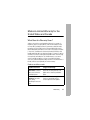
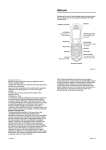
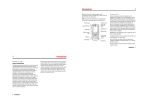
Taking a Self Portrait
If you close your phone
while the viewfinder is
active, the external
display shows the
image. Press the
volume keys to zoom,
or press the smart key
to capture the image.
Camera Light
Lens
Volume Keys
Smart Key
Display
19