1
Installing the VoIP V3 Intercom 14
Network Connectivity, and Data Rate
2.1.5 Network Connectivity, and Data Rate
When you plug in the Ethernet cable or power supply:
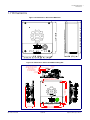
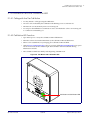
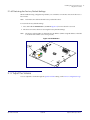
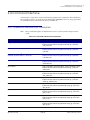
• The square, GREEN Link light above the Ethernet port indicates that the network connection
has been established (see Figure 2-6). The Link light changes color to confirm the autonegotiated baud rate:
• This light is YELLOW at 10 Mbps.
• It is ORANGE at 100 Mbps.
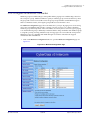
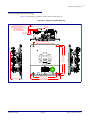
Figure 2-6. Network Connector Prior to Installation
Link
Activity
2.1.5.1 Verify Network Activity
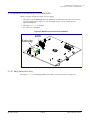
The square, YELLOW Activity light blinks when there is network activity (see Figure 2-6).
Operations Guide
930472A
CyberData Corporation